How to Sell Gift Cards Online Before the Holiday Rush
To sell gift cards online is one of the easiest holiday wins for an El Paso small business. Shoppers looking for a last-minute gift often search for a gift card, and if yours is only sold at the counter, they buy from someone else. So this guide walks through the setup: the three ways to sell them, what to decide first, the page itself, where to point people and how to track redemptions. Then you are ready well before the rush.
How to Sell Gift Cards Online, in Short
Why Gift Cards Are the Easiest Holiday Sale You Can Make
First, a gift card is money before the visit. The buyer pays now, and the person receiving it comes in later, often after the holidays. So you get revenue in the busy month and a visit later on. In addition, a gift card solves a hard part of holiday shopping for the buyer: picking the right thing.
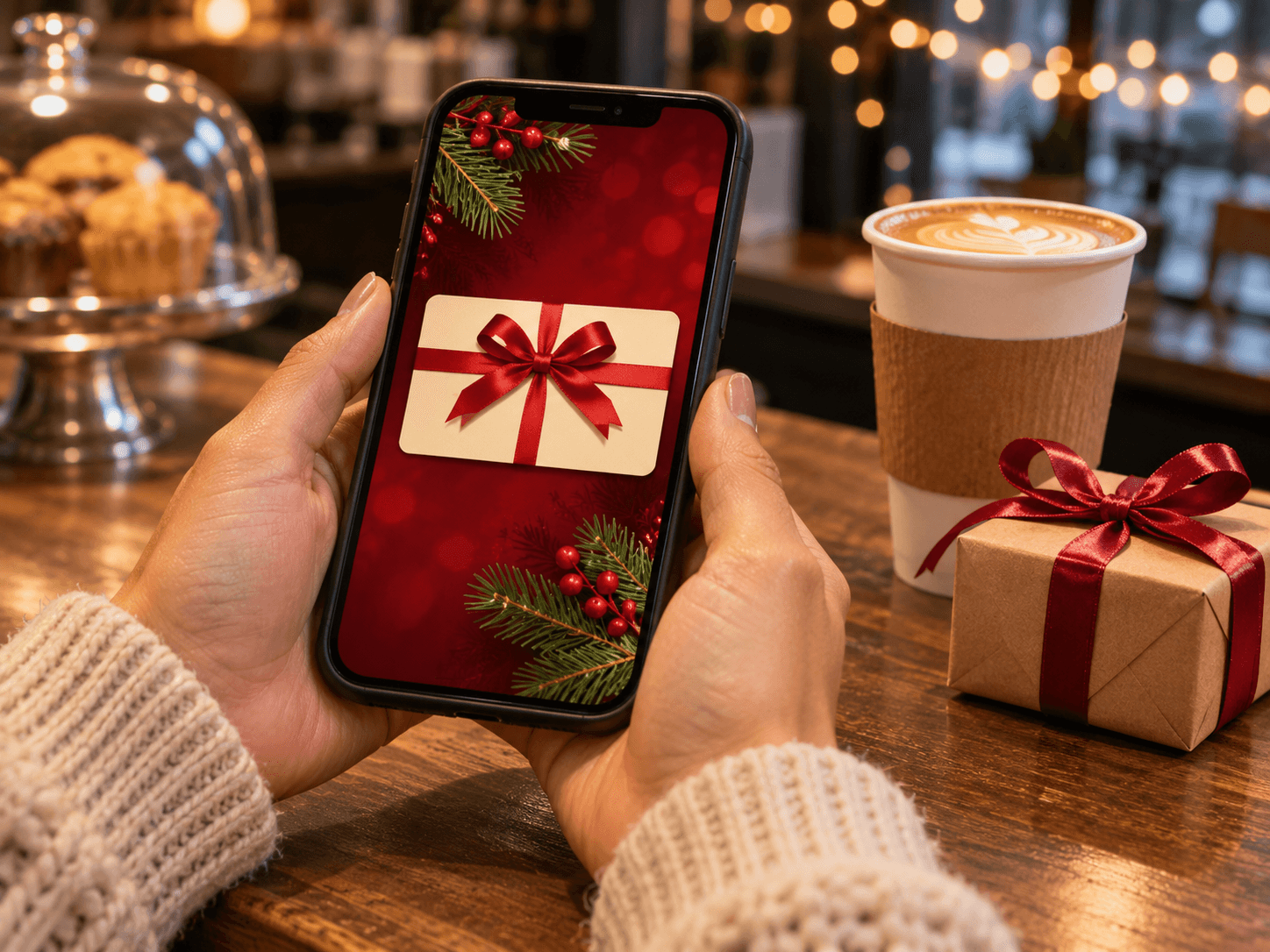
It also fits last-minute shoppers, of course. An e-gift card arrives by email, so there is no shipping and no wrapping. Someone can buy it on the drive to a party. However, that only works if they can find it and buy it in a minute or two. That is what the rest of this guide sets up.
Finally, gift cards bring new people through the door. The person receiving it may never have visited before. As a result, a good first visit can turn a gift into a regular. Outcome: one small page that sells in December and brings people back in the new year.
Your Gift Card Setup at a Glance
Here is the whole setup in one view, from choosing a method to tracking redemptions.
| Trait | What it means | Where it comes from | What you notice |
|---|---|---|---|
| The method | How the card is sold | Store, POS or payment form | Orders arrive on their own |
| The decisions | Amounts, delivery and terms | Your own policy | Fewer customer questions |
| The page | One button, clear details | Your website | Quick, easy purchases |
| The links | Point people to the page | Profile, bios, email, counter | Sales outside store hours |
| The tracking | Every code logged once | Your POS or a simple sheet | No code used twice |
Three Ways to Sell Gift Cards Online
There are three common ways, so the right one depends on what your website already has.
- Your store checkout. If your site already sells products, most ecommerce systems can add a digital gift card that arrives by email with a unique code. So the card works like any other product.
- Your point-of-sale system. Many point-of-sale systems can sell gift cards online and redeem them at the register. As a result, the same code works on your site and at the counter.
- A payment form. If your site has no store, a payment form paired with a code system can work. Then you send the code by email after each purchase.
In our experience, the point-of-sale route is often the simplest for a shop with a counter, because redemptions stay in one place. However, the store route makes more sense if you already sell online. If you are not sure where your site stands, read about ecommerce marketing for small businesses.
What to Decide Before You Sell Gift Cards Online
So decide the rules before you build the page. First, the amounts. Offer a few fixed amounts and, if your system allows it, a custom amount. Next, delivery. Will the card arrive by email right away, or can the buyer schedule it for a date? Then terms. Write them in plain words, so nobody is surprised later.
On terms, then, check the rules. Federal rules generally do not allow gift cards to expire sooner than five years after they are bought or last loaded, and they limit fees. The Consumer Financial Protection Bureau explains the current federal gift card rules. So check them before you set your terms.
Finally, decide who handles redemptions. Someone needs to know how to check a code, mark it used and handle a partial balance. Also write that down, so a new hire can do it during the rush. For a list of what to have ready before any build starts, see what to prepare before a website build.
The Gift Card Page: One Button, Clear Details
Basically, the page should do one job. So keep it short. At the top, a gift-ready image of the card and a single button to buy. Below that, the amounts, how delivery works and the terms in plain words. Then a short line on how to redeem, online or in the shop.
Also make sure it works on a phone, since a lot of last-minute buying happens there in our experience. Then test it yourself: buy a card, check the email, and redeem the code.
Also help search engines read the page. If the card is a product in your store, product structured data describes it in a format search engines understand. Google's Search Central documentation explains how product markup works. So the page can show up clearly when someone searches for your gift card. In short, if you can buy and use your own gift card in a few minutes, so can your customers.
What a one-off website build covers →Where to Point People
A gift card nobody knows about does not sell. So put the link everywhere people look. First, your Google Business Profile. Add the link and post about it, since shoppers check your profile for hours and offers. Google's Business Profile help center explains how links and posts work. For post ideas, see what to post on Google Business Profile.
Next, your social bios and pinned posts. Then your email list, with one short message in early December and one closer to the holiday. Finally, the counter. A small sign that says "Gift cards available online" catches people who are buying for themselves and thinking about someone else.
Tracking Redemptions So Nothing Gets Used Twice
In short, every gift card needs a unique code, and every code needs a record. If you sell through your store or point-of-sale system, the system usually tracks this for you. However, if you use a payment form, keep a simple sheet: code, amount, buyer, date sold and date used. Then check it at every redemption.
Also track partial balances. If someone spends part of a card, write down what is left. As a result, the next visit is smooth, and nobody argues about a balance at the register. Outcome: a clean record you can trust when the cards come back in.
Conversion tracking from day one →Last-Minute Buyers: The December 23 and 24 Search
In fact, the last days before Christmas are when the gift card page earns its keep. Then people who ran out of time search for a gift they can send right now. So make sure the page says plainly that delivery is instant by email. Also post a reminder on your profile and social accounts a day or two before.
Then check your holiday hours, too. If the shop is closed, the online gift card still sells. In fact, that is the whole point: you make a sale while the doors are locked.
Frequently Asked Questions
Q1 When should I start to sell gift cards online for the holidays?
Q2 How do I sell gift cards on my website?
Q3 Are digital gift cards worth it for a small business?
Q4 Can gift cards expire?
Q5 How do I promote gift cards for the holidays?
Want a Gift Card Page Built Once, Before Thanksgiving? DM SITE
A gift card page is a small build with a clear deadline and revenue attached. So it is a good first project if you have never worked with us. We set up the method, build the page, link it from your profile and test it end to end. It is one job, not a retainer. Then you sell gift cards online all season, even while the shop is closed.