The Handover Kit: What to Prepare Before a Website Build
Knowing what to prepare before a website build is what keeps the project moving. In our experience, the delay is almost never the designer. In fact, it is the folder nobody has assembled yet. So this is the handover kit for the client side: the content to have ready, the photos that actually get used, the logins the build needs on day one, and the decisions to make before kickoff. Then there is a checklist you can finish in an afternoon.
What to prepare before a website build, in one list
Why builds stall, and why it is usually not the builder
In our experience, builds stall waiting on the same five things: copy, photos, logins, a domain, and one decision nobody made. Of course, none of those are design problems. They are owner-side items, and the builder cannot make them up.
So that is good news, because it means the delay is in your hands. So if you gather those five things before kickoff, the project has nothing to wait on. On the other hand, if you start without them, the build pauses every time one is missing.
Also, a stalled build costs more than time. It costs momentum, and momentum is what gets a site launched. The outcome: a project that moves from kickoff to launch without stopping for paperwork.
What to prepare before a website build, at a glance
Here is the whole kit in one view. Also, each row is one item the build needs from you. Then the last two columns show where it comes from and what you will notice when it is ready.
| Trait | What it means | Where it comes from | What you notice |
|---|---|---|---|
| Page copy or notes | The facts for every page | You and your team | So pages fill with real content |
| Photos | Real images of your place, team and work | Your phone, files or a shoot | So the site looks like your business |
| Logo files | Your logo in its original format | Whoever designed it | Then it stays sharp at every size |
| Domain access | Login to where your domain is registered | Your registrar account | So launch day does not wait on a password |
| Existing accounts | Hosting, Google Business Profile and analytics | Your current setup | So nothing gets rebuilt from scratch |
| The site's job | The one thing a visitor should do | Your decision | So every page points the same way |
Content: what to write, what to reuse, what to skip
You do not have to write the copy yourself. However, you do have to supply the facts: your services, the areas you serve, prices if you publish them, and the one thing you want a visitor to do. A builder can shape words, but only you know the facts.
First, reuse what already works. Your current site, your Google Business Profile and your best customer emails often hold the answers people ask most. Next, write short notes for anything missing, even as bullet points. Then skip the filler. For example, a mission statement nobody reads does less for you than one clear line about what you do.
Good copy exists to move a visitor to a next step, not to fill space. Our guide to content that converts goes deeper on that. The outcome: pages built on your facts, in words that lead somewhere.
Photos: what gets used and what never does
In our experience, the photos that get used are real ones: your place, your team, your work and your customers, with permission. Of course, they do not have to be perfect. They have to be yours, sharp enough to see and big enough to crop.
On the other hand, some photos rarely make it in. For instance, tiny images pulled from a social post, blurry shots and generic stock photos tend to get cut. So gather the originals, not screenshots. Also, include your logo files in their original format, so the logo stays sharp everywhere. If your visuals and your message do not match yet, it helps to work on aligning branding and website design before the build. The outcome: a site that looks like your business, not like a template.
Access: domain, hosting, Google Business Profile, analytics
Access is where a lot of builds lose days, because logins get lost. So find them before kickoff. First, the domain: log in to wherever it is registered and confirm the account is in your name. Next, hosting, if you already have it. Then your Google Business Profile and any analytics account.
If you do not know who owns your domain, find out before kickoff. Log in to your registrar, or ask whoever set up the old site. Then check whose name and email are on the account. That matters because whoever controls the domain controls the site. For your Google Business Profile, Google's help pages explain how to add a manager instead of sharing a password. Also, Google Search Central covers how to verify site ownership in Search Console.
A clean profile also helps people find you once the site is live, which is where local SEO strategies for small businesses come in. The outcome: every key in your name, and none of them lost on launch day.
The five decisions to make before kickoff
A build also waits on decisions, and only you can make them. So settle these five before the first meeting.
- What the site must do. Pick the one action you want a visitor to take, such as call, book or visit.
- Which pages you need. List your services and the areas you serve, so the page list is set early.
- Whether you publish prices. Either answer works. Deciding late, however, reshapes pages that are already built.
- Who approves. Name one person who signs off, so feedback does not stall between two opinions.
- What happens to the old site. Decide what stays, what goes and where old links should point.
These are small choices on their own. Together, however, they decide whether the build runs straight or stops every week. The outcome: a kickoff where the only thing left to do is build.
The digital foundation every business needs →The one-afternoon checklist: what to prepare before a website build
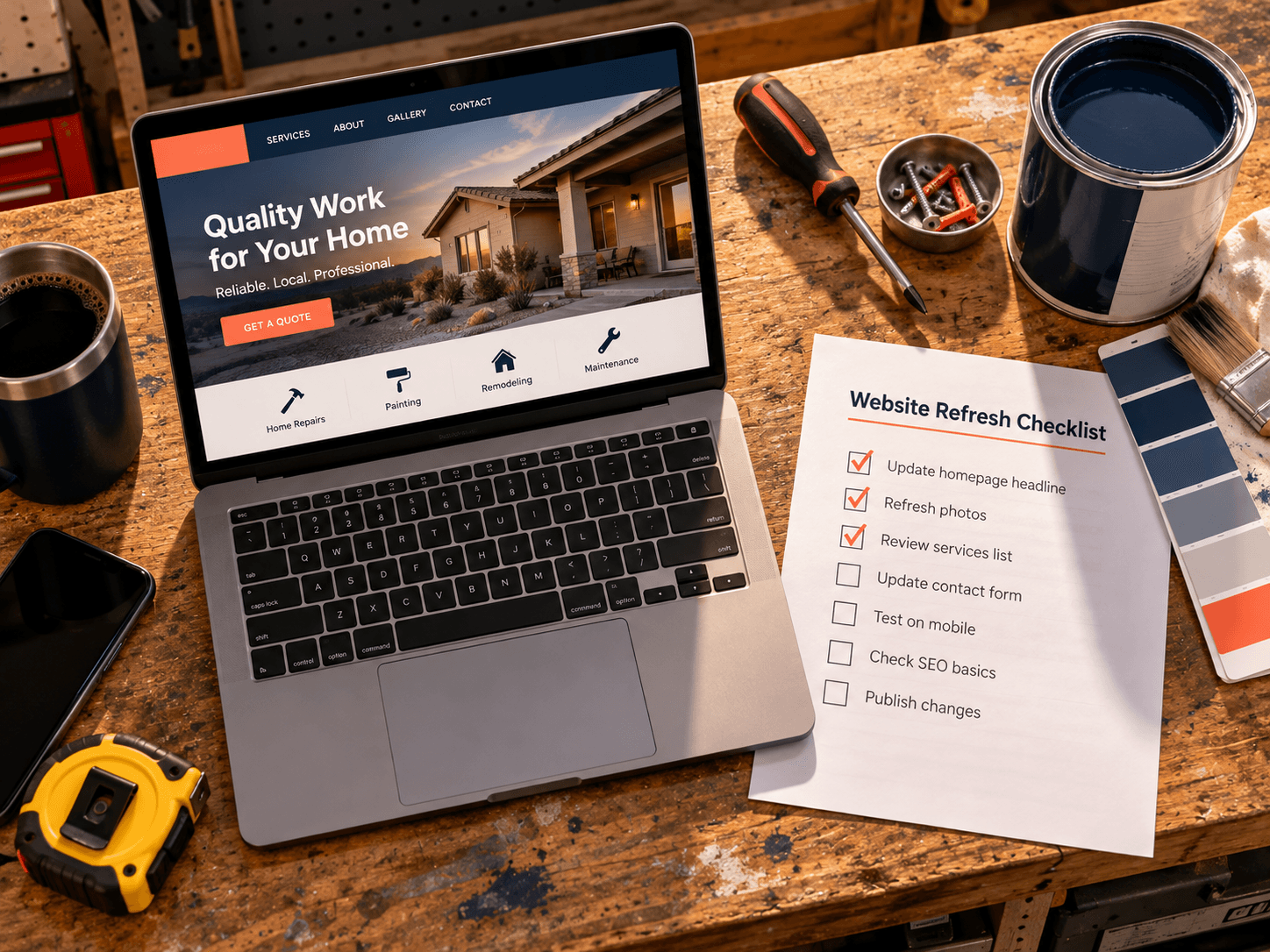
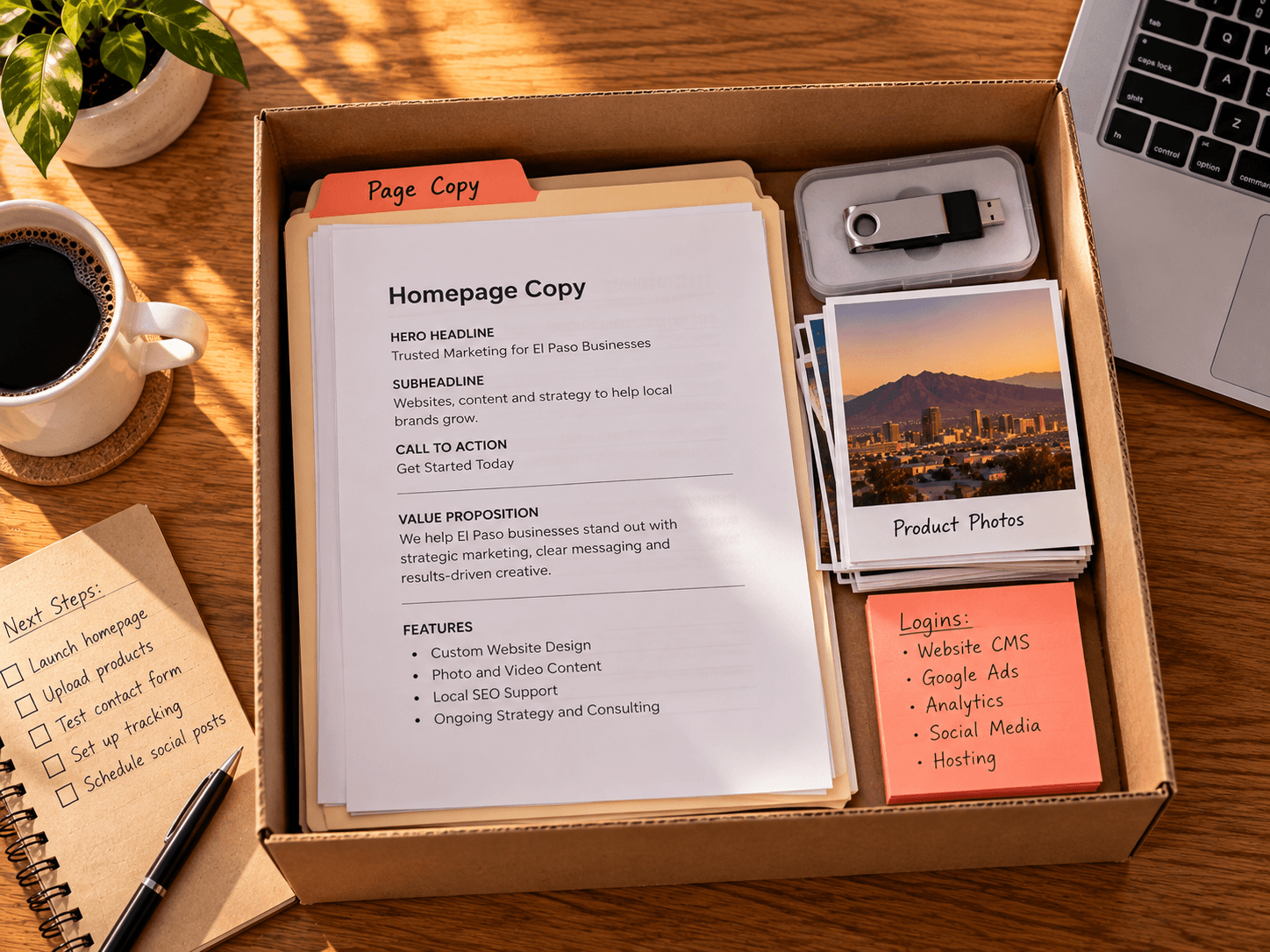
Here is the whole kit as a checklist. Block out an afternoon, work through it in order, and put everything in one folder.
- Write the site's job in one sentence. Then keep it at the top of the folder.
- List your services and service areas. Add prices only if you have decided to publish them.
- Gather copy or notes for each page. Bullet points are fine.
- Collect photos and logo files. Originals only, in one subfolder.
- Confirm domain, hosting, profile and analytics access. Also, note which accounts are in your name.
- Name the one person who approves. Finally, share the folder.
In short, that folder is the kit. When it is done, the build has everything it needs from you. The outcome: a project that starts ready instead of starting and waiting.
How to buy a website in El Paso →Frequently Asked Questions
Q1 Is there a checklist of what to prepare before a website build?
Q2 What do I need to give a web designer before they start?
Q3 Do I have to write the copy myself?
Q4 What if I do not know who owns my domain?
Q5 How do I start?
Ready to build? Message us SITE
So now you know what to prepare before a website build: content, photos, access and five decisions, all in one folder. It takes an afternoon, and it saves the build from waiting on you. If you are ready, the next step is one word. Message us SITE on Instagram or Facebook, and we will send you the kit to fill.