Website Conversion Tracking for Small Business: Day One Setup
Website conversion tracking for small business is not optional on a one-off build. A website that cannot tell you who called is a brochure. Too often, owners launch a new site and months later still cannot say whether it produced a single customer. So this guide is the day-one setup: call tracking without breaking your Google Business Profile, forms that reach your inbox and your analytics, the events that matter and the one monthly view that tells you whether the site is working. At VenPro Solutions, we believe a one-off site should prove itself, so tracking is part of the build, not an add-on.
Website conversion tracking for small business, in short
Website conversion tracking for small business: a site that cannot report is a brochure
A brochure looks nice and says nothing about results. A website without tracking is the same. It might be bringing in customers every week. However, if nobody can see it, nobody can prove it, improve it or decide what to spend next.
That matters even more for a one-off build. Without a monthly contract, there is nobody sending you reports. So the site has to report on itself. In fact, tracking is what makes a one-off accountable: you can see what it produces without paying anyone to tell you. Then, when you decide where to spend next, you are working from evidence.
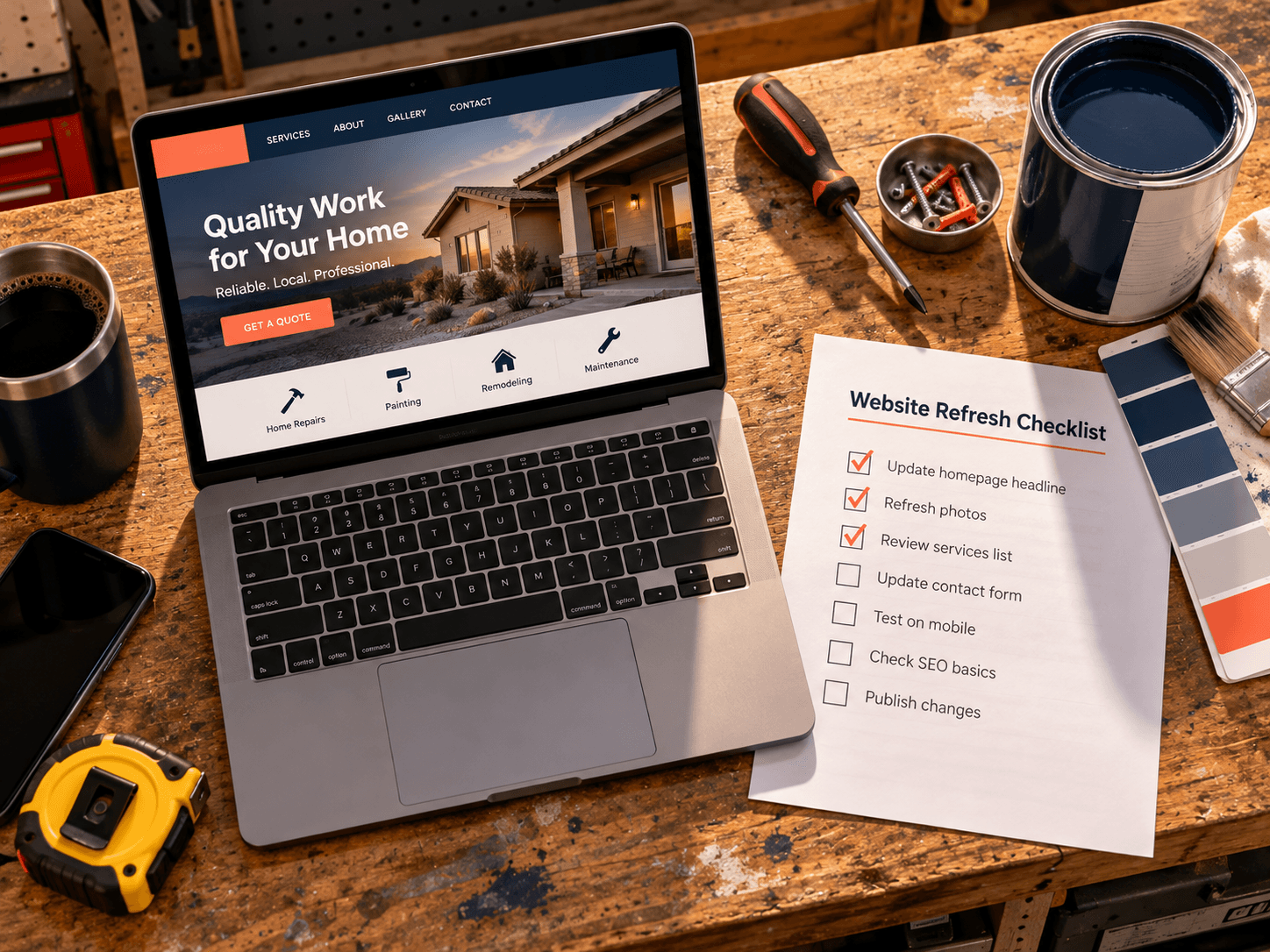
If you already have a site, it is worth checking whether your website is working before adding anything new. The outcome: a site that shows its results instead of hiding them.
Website conversion tracking for small business at a glance
Here is the day-one setup in one view. Also, each row is one piece of tracking. Then the last two columns show where the data comes from and what you will notice once it runs.
| Trait | What it means | Where it comes from | What you notice |
|---|---|---|---|
| Calls | A tracking number on the site that forwards to your line | A call tracking service | So you know which calls came from the site |
| Forms | Submissions sent to your inbox and recorded as events | Your site and your analytics | Then no lead gets lost |
| Key events | Clicks to call, book, message or get directions | Your analytics | So you see actions, not only visits |
| Business Profile | Calls, direction requests and website clicks | Your Google Business Profile | The second front door gets counted too |
| Monthly view | One page with the numbers that matter | All of the above | So you can judge the site in minutes |
| Handover | Every account in your name | The one-off build | You read it yourself, with no contract |
Calls: tracking numbers, and how not to break your Google Business Profile
For many local businesses, calls are the main conversion. So track them with a tracking number on the website that forwards to your normal line. Every call to that number came through the site, and it still rings where it always has. Also, use the tracking number only on the website, so the count stays clean.
Here is the part that trips owners up. Your Google Business Profile should keep your primary number consistent, because that number is part of how people and Google recognize your business. So do not swap it around casually. Before changing any number on your profile, read Google's Business Profile guidelines on phone numbers. The outcome: call tracking that counts leads without muddying your listing.
Forms: submissions that reach your inbox and your analytics
Of course, a form has two jobs. First, it has to deliver the message to a real inbox that someone checks. Second, it has to record the submission in your analytics, so you can count it. A form that does only one of those is half broken.
So test both on launch day. Send a test submission, then confirm it arrived and that your analytics logged it. Also, repeat that test once a month, since a changed email address or a plugin update can break a form silently. The outcome: every lead lands somewhere you will see it, and every lead gets counted.
The events worth watching, and the ones to ignore
Analytics can track almost anything. That is the problem. So pick the few events that touch revenue and ignore the rest.
- Watch calls: taps on your phone number and calls to your tracking line.
- Watch form submissions: every completed contact, quote or booking form.
- Watch direction requests: people planning to visit, from your site or your profile.
- Watch clicks to book or message: anyone heading to your booking page or messaging you.
- Ignore the noise: page views on their own, time on page and other numbers that do not change what you do next.
Google explains how to set up events in Google Analytics on its help pages, so the setup does not need to be custom. For a wider look at using numbers well, our guide to turning data into smarter decisions is a good read. The outcome: a short list of numbers that actually mean something.
Google Business Profile: the second front door
Some customers never reach your website at all. Instead, they find your Google Business Profile, then call, ask for directions or tap through. So your profile is a second front door, and it needs to be counted too.
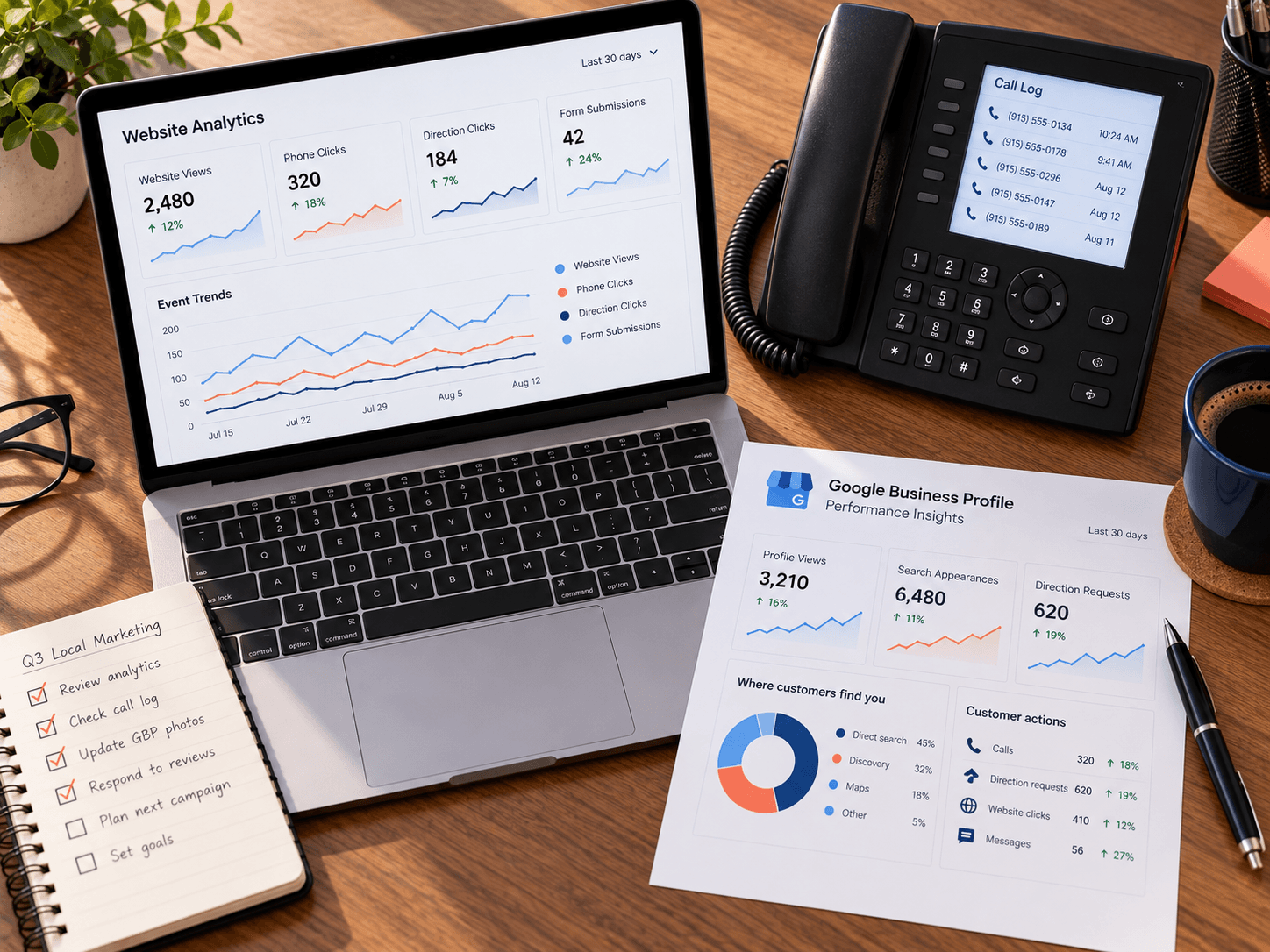
Your profile's performance data shows calls, direction requests and website clicks. Also, Google Search Central covers Search Console, which shows which searches brought people to your site. Together, those two sources fill in what your site analytics cannot see. So check them alongside your site numbers each month. The outcome: a full picture of both front doors.
The one monthly view
However, tracking only helps if someone looks at it. So keep one simple view and check it once a month. It should fit on a single page.
- Calls from the site: the count from your tracking number.
- Form submissions: the count from your analytics.
- Profile actions: calls, direction requests and website clicks from your Google Business Profile.
- Bookings or messages: clicks to book or message, if you offer them.
Then compare each number with the month before. You are looking for direction, not perfection. For example, if calls from the site drop while profile calls rise, people may be skipping the site, so check that your number is easy to tap on a phone. In short, if the numbers climb, the site is working. If they drop, you know where to look first. The outcome: a monthly check that takes minutes and tells you the truth.
Picking an analytics stack that scales →What we hand over so you can read it yourself
Tracking ships with the site and is handed over in your accounts. So you are never renting access to your own numbers.
- Your analytics: the property in your name, with the key events already set up.
- Your tracking number: the account in your name, forwarding to your line.
- Your Business Profile: your access confirmed, with the website link pointing to the new site.
- Your monthly view: the one page to check, so you know where to look.
Also, tracking set up lightly does not slow the site down. We install what the four signals need and skip the rest, and the guidance on web.dev covers keeping pages fast. The outcome: a one-off site that reports on itself, with no monthly contract required.
El Paso web design and development →Frequently Asked Questions
Q1 What is website conversion tracking for small business?
Q2 How do I track calls from my website?
Q3 What events should a small business track?
Q4 Does tracking slow the site down?
Q5 Is tracking included in a one-off build?
Building a site? Message us SITE
So website conversion tracking for small business is not complicated. Track calls, forms, direction requests and bookings, keep your profile consistent, and check one view each month. With that in place, a one-off site proves itself. If you are building a site, the next step is one word. Message us SITE on Instagram or Facebook.