Batch Content Creation: Five Studio Formats, One Batch Week
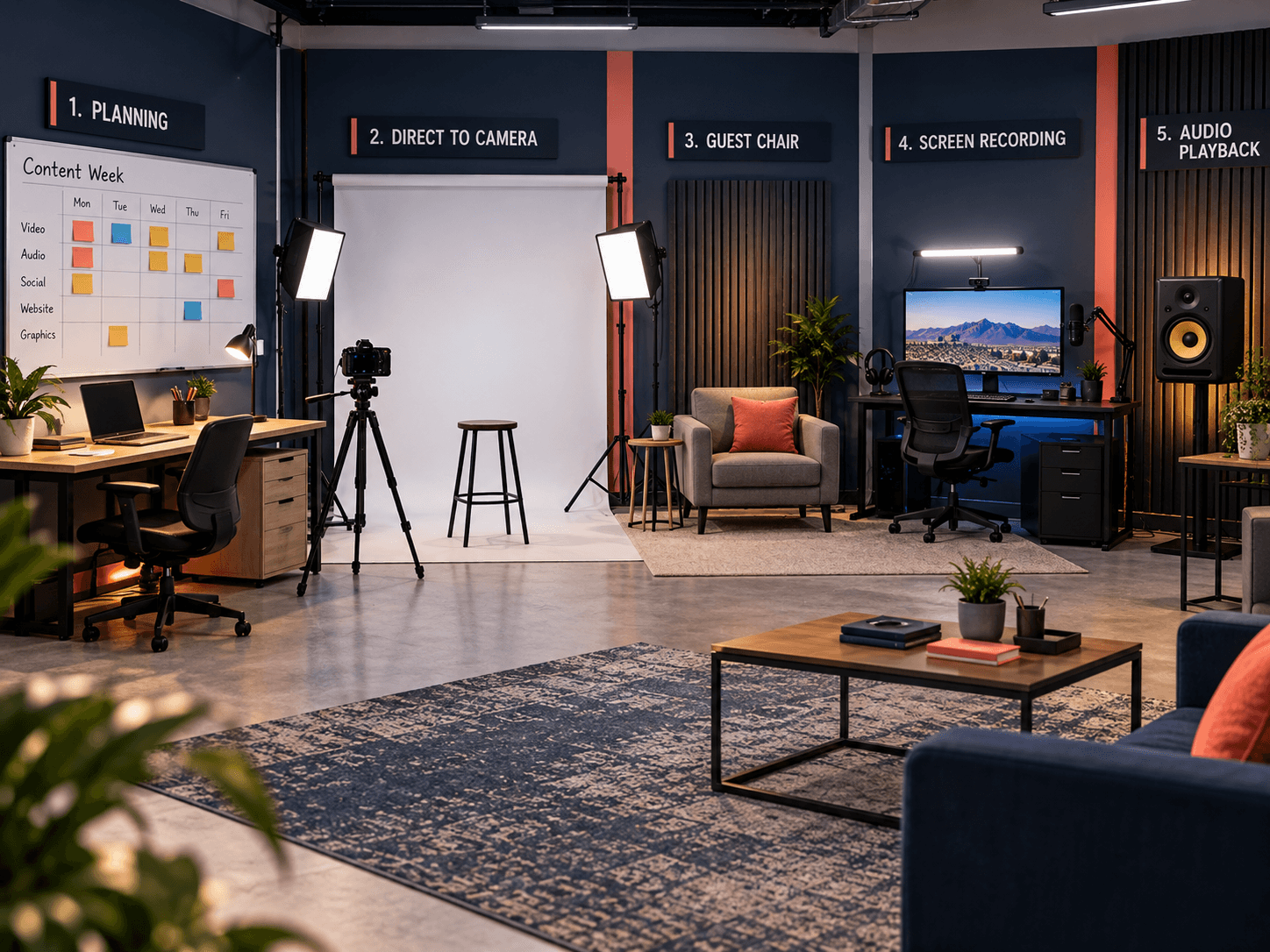
Batch content creation works when every video is one of a few repeatable setups. In our experience, video calendars die of a thousand concepts. Ours runs on five setups, so every idea already has a home and a lighting plan. So this guide opens up the system we use in our own El Paso studio: the five formats, what each one is for, how they batch into one week, and the one rule that keeps the calendar from collapsing. At VenPro Solutions, we run this system for ourselves first, and we book one-off studio days for businesses that want the same output.
Batch content creation, in short
Batch content creation: why calendars die of too many concepts
Many content plans start with a list of ideas. However, every new idea tends to bring a new setup: a new location, a new look, new lights, new gear. So each video becomes its own small production. Then, one busy week later, the calendar is empty.
The fix is to flip the order. Instead of starting with ideas and building a setup for each one, start with a few setups and fit every idea into one of them. A tip goes to the desk. An ask goes direct to camera. A guest goes in the guest chair. In fact, once the formats are fixed, planning becomes a sorting job, not a creative crisis.
For example, a customer question becomes a desk video. A promotion becomes a direct-to-camera ask. A local moment becomes an audio playback. A partner becomes a guest. Then a new page on your site becomes a screen recording. So no idea is left without a home.
That is the core of batch content creation for a small team. Fewer formats means faster batching, because the lights and the framing are already solved. The outcome: a calendar that survives busy weeks, because the hard part is done before the ideas arrive.
Batch content creation at a glance
Here is the whole system in one view. Also, each row is one format or one rule. Then the last two columns show what it is for and what you will notice when it runs.
| Trait | What it means | Where it comes from | What you notice |
|---|---|---|---|
| The desk | A host at a lit desk, talking through a topic | The studio's main set | So most ideas have a default home |
| Direct to camera | A tighter frame, speaking straight to the viewer | Any moment with an ask | The viewer knows it is time to act |
| Audio playback | Real audio played back with a reaction | Game calls and live moments | So the moment gets a second life |
| Guest chair | A conversation with a guest | One guest, two videos per session | Then new voices join the channel |
| Screen recording | A walkthrough on screen, no host needed | A computer and a clear topic | So content happens without a camera |
| The bank rule | Never fewer than a week scheduled | The batch week | A bad week never empties the calendar |
Format one: the desk
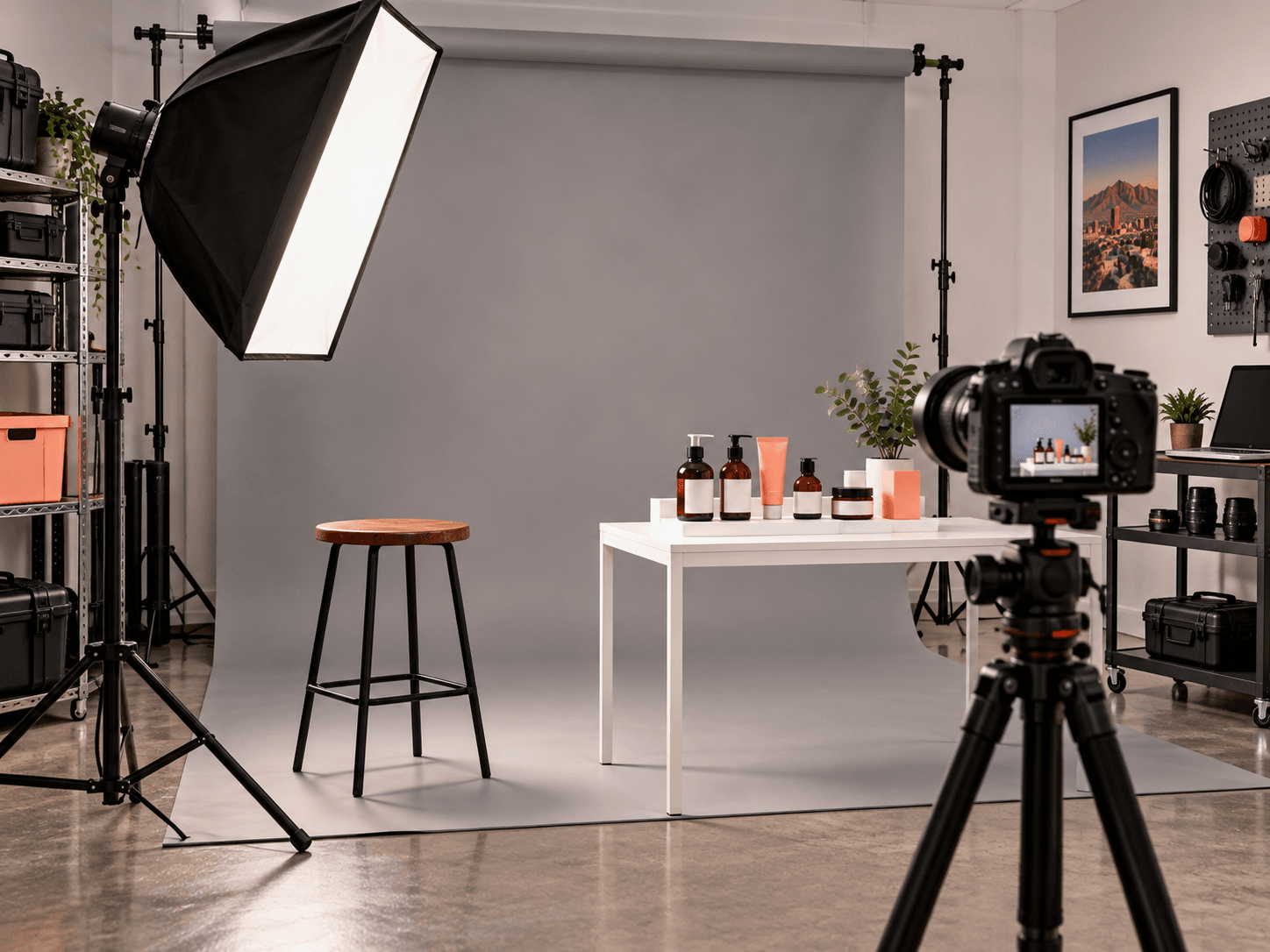
Of course, the desk is the workhorse. A host sits at a lit desk and talks through one topic: a tip, a recap, an answer to a common question. Because the set never changes, you can also film one desk video after another with nothing to reset.
The desk works best for short, single-point pieces. So each video gets one idea, a sentence or two of notes and a clear ending. A simple structure helps: open with the point, give one reason or example, then close with what to do next. Also, it is the easiest format to hand to anyone on your team, since the frame does the heavy lifting. If you want to shape those points into a story, our guide to storytelling that supports sales covers it. The outcome: a default home for most of your ideas.
Format two: direct to camera, and why the frame changes when something is asked
Direct to camera is for the ask. The host looks straight into the lens, the frame tightens, and the message is simple: here is what to do next. That is where one word to message, such as SHOOT, SITE or SPONSOR, belongs.
So why change the frame? Because the change itself tells the viewer something is different. A desk video explains. However, a direct-to-camera video asks. In our view, keeping those two apart makes the ask feel honest and makes it easy to spot. Also, keep one ask per video, so the viewer never has to choose between two. The outcome: one clear moment to act, never buried in the middle of a tip.
Format three: audio playback with reaction
Audio playback takes a real recording and gives it a second life. The host plays back a moment, such as a big play or a live sponsor read from a Friday night broadcast, then reacts to it on camera. So the audience hears the real thing, not a description of it.
This format is powerful because the audio already exists. In fact, the hard part, the moment itself, happened somewhere else. Then the studio adds context and personality. So keep the playback short, and spend most of the video on why the moment matters. For a business, that might mean playing back a customer voicemail, with permission, or a clip from a local interview. The outcome: proof that people can hear, wrapped in a quick reaction.
Format four: the guest chair, two videos per session
The guest chair brings in someone else: a coach, a customer, a partner or an expert. Also, each guest session produces two videos. So one scheduling effort pays off twice, and the guest's time goes further.
Guests also often bring their own audiences and their own credibility. Also, they give your channel a different voice, which keeps a steady schedule from feeling repetitive. The trick is planning the two topics before the guest sits down, so both videos have a clear point. Afterward, send each guest their clips to share, which carries the videos to their followers too. The outcome: new voices, shared reach and double the output from one booking.
Format five: screen recording, no host required
Screen recording, by contrast, needs no host at all. It is a walkthrough on a computer: a website tour, a how-to, a before-and-after of a page or a dashboard. So it can be made on a day when nobody wants to be on camera. Good topics include a tour of your booking page, how to use an online order form, or a quick look at what changed on your site.
That makes it the safety net of the system. Then, when a week gets busy, there is still a format that only needs a screen and a clear topic. When those videos go on your site, the guidance on web.dev helps keep them from slowing your pages down. The outcome: content that keeps flowing, even on a no-camera day.
The batch week: one big day, one guest day, one screen day
The five formats come together in a batch week. Here is the shape we use:
- One big day: desk, direct-to-camera and audio playback videos, filmed back to back under one lighting setup.
- One guest day: guest chair sessions, two videos from each guest.
- One screen day: screen recordings, which need no lights and no host.
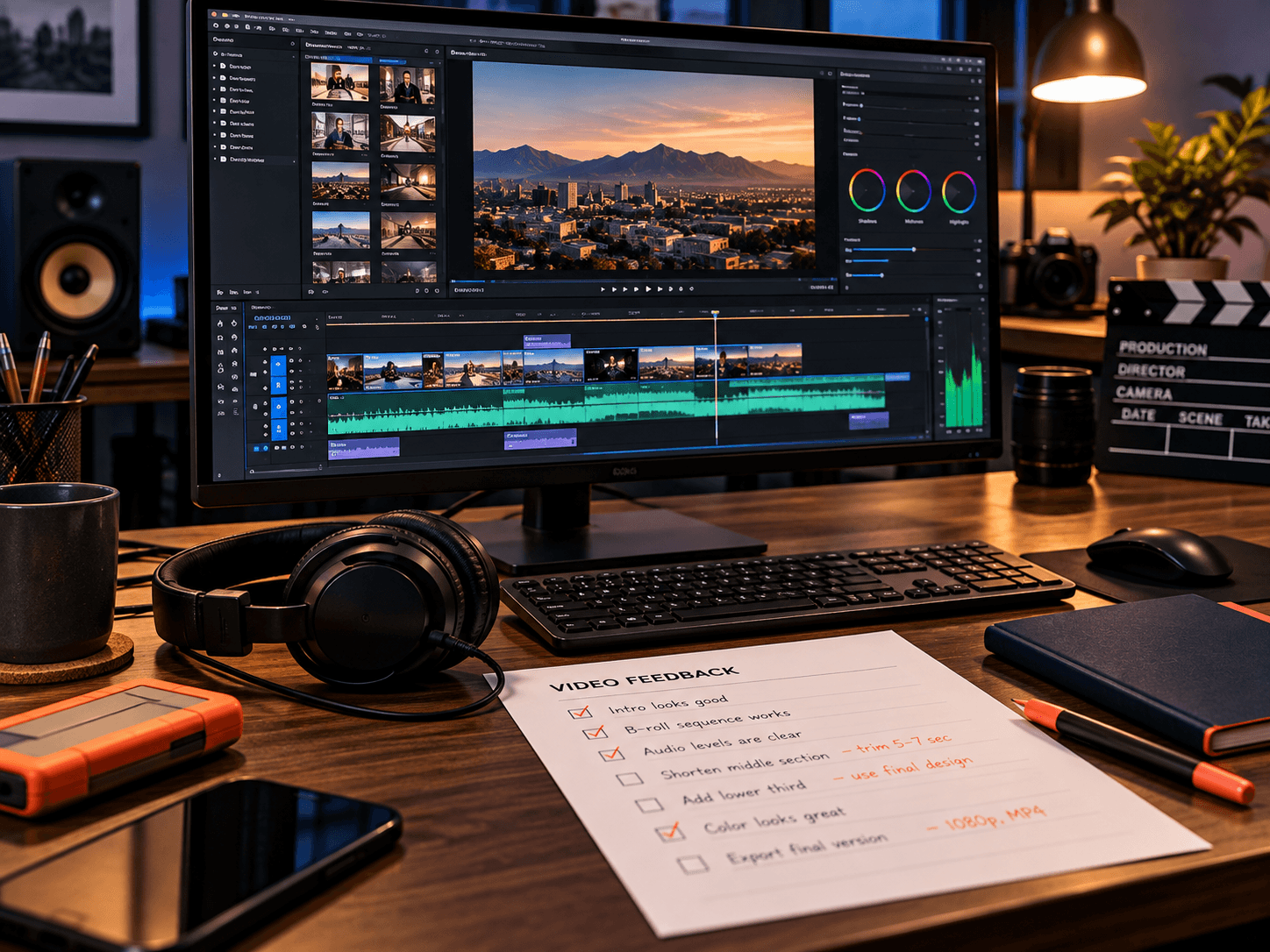
The rest of the week is for editing, scheduling and the business itself.
You can copy this without a full studio. First, pick one corner with good light and a quiet room to stand in for the desk. Next, keep that same corner every week, so the look stays consistent. Then add a second chair for guests and a computer for screen days.
So filming stops being an every-day interruption. Also, scheduling tools make the posting side automatic, which is where marketing automation made simple helps. The outcome: three focused days that keep the calendar full.
Sun City Podcast Studio →The rule: never let the bank drop below a week
Keep at least one full week of scheduled content at all times. In fact, that rule matters more than any single video. When the bank is full, a sick day, a slow week or a busy season does not stop your publishing.
- Why a week: it is enough cushion to absorb one bad week without panic.
- Why scheduled: content that is filmed but not scheduled can still slip through the cracks.
- Why it comes first: a consistent calendar builds trust, while a perfect video that never posts does not.
In short, the bank is the system. To start one, film two weeks of content in your first batch week, so you begin a week ahead and stay there. Also, check the bank at the start of each week, so you know right away whether the next batch day is urgent or routine. For a wider view of where video fits your marketing, the Small Business Administration has plain guidance on content marketing for small businesses. The outcome: a calendar that never depends on a good week.
A content strategy built for the long term →Frequently Asked Questions
Q1 What is batch content creation?
Q2 What does a batch week look like?
Q3 How many formats do you need?
Q4 How far ahead should a small team be?
Q5 Can a business copy this?
Want a batch day for your business? Message us SHOOT
So batch content creation is not about working harder. It is five repeatable formats, one batch week and a bank that never drops below a week. You can copy the whole system. If you would rather have the studio and the crew for a day, the next step is one word. Message us SHOOT on Instagram or Facebook.