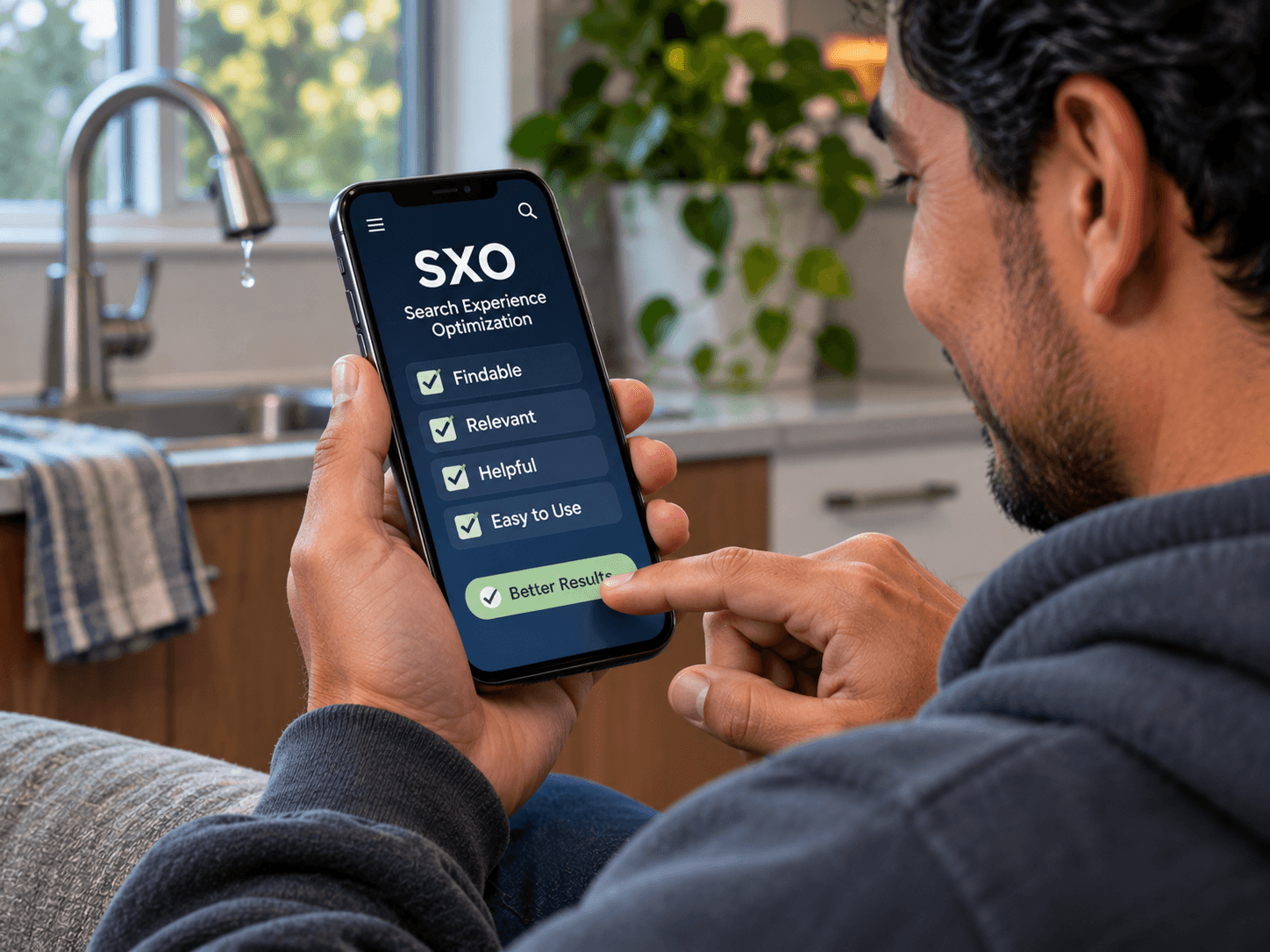
Search Experience Optimization: Why Ranking Is Only Half the Job
Search experience optimization, or SXO, is what happens after someone finds you on Google. Many El Paso businesses rank for the right searches and still do not get the calls. So the owner assumes the SEO failed, when the real problem is the page the searcher lands on. SXO looks at both halves together: earning the click, and then turning that visit into a call, a booking or a sale. This guide explains what it means and what to fix first on a local site.
What Is Search Experience Optimization (SXO)?
Why Ranking Is Only Half the Job
First, think of a ranking as a promise. The searcher sees your result and thinks, "That looks like what I need." Then they click. If the page doesn't keep the promise, they hit the back button and pick the next result. So the ranking worked, but the business got nothing.
In our experience, this is one of the most common complaints owners bring us: traffic is up, but the phone is quiet. However, that is good news in disguise. It usually means the hard part, getting found, is already working. The fix is on the page, not in the search results.
So, in our experience, SXO is often a smaller job than people expect. Instead of a full rebuild, it often means fixing a handful of top pages. Outcome: the visitors you already earn start turning into customers.
The Searcher's Path at a Glance
Every search follows the same five steps. Here is each step, what it means for your page and what you notice when it works.
| Trait | What it means | Where it comes from | What you notice |
|---|---|---|---|
| The result | Your title and description | The search results page | More clicks for the same rank |
| The click | The page loads on a phone | Your site speed | Fewer people leave while it loads |
| The first screen | What shows before scrolling | Your page layout | Visitors stay past the top |
| The answer | The page solves the search | Your page content | Longer visits on key pages |
| The next step | Call, book, buy or ask | Your buttons and forms | More calls and form fills |
Search Experience Optimization vs SEO: What Each One Measures
SEO measures how visible you are. So it tracks rankings, impressions and clicks. It asks: do the right people find you? SXO, by contrast, measures what happens next. It tracks calls, bookings, form fills and sales. It asks: do the people who find you actually do business with you?
Of course, both matter, and they depend on each other. Without SEO, there is no visitor to convert. Without SXO, the visitor leaves. In short, SEO gets them in the door, and SXO makes sure the door opens onto something useful.
Google itself points in the same direction. Its Search Central documentation asks site owners to build helpful, people-first content that answers what the searcher wanted. So a page built for the visitor is also a page built for search.
The Searcher's Path: Result, Click, First Screen, Answer, Next Step
Picture a homeowner with a dripping faucet. First, they search "plumber near me" on their phone. Next, they see your result and tap it. Then the page loads, or it doesn't. If it does, they look at the first screen: does it say plumbing, does it say El Paso, is there a phone number? After that, they skim for the answer. Finally, they decide whether to call.
So each step is a place to lose them. A slow page loses them at the click. A vague headline loses them at the first screen. Also, a phone number buried at the bottom loses them at the next step. So SXO works through the path in order, fixing the first leak first.
Five Search Experience Optimization Fixes for a Local Service Site
So here are the five fixes we start with on a local service site. Each one maps to a step in the path above.
- Match the search. Make the page headline say what the searcher typed, in plain words. So a "water heater repair" search lands on a page that says water heater repair.
- Fix the first screen. Put the answer and the next step where people see them without scrolling. Then the visitor knows right away they are in the right place.
- Speed. Make the page load fast on a phone. The web.dev guidance on Core Web Vitals explains what fast means and how to measure it.
- The phone and form path. Make the call button tappable and the form short. Also test both yourself, from a phone, every few months.
- Proof next to the ask. Put a review, a photo of real work or a short promise about how you work right beside the button. As a result, the visitor trusts the click.
Which pages first? Start with the pages that get the most clicks, then the pages that should bring calls, such as your main service pages. Next, fix the home page, since many visitors land there too. Finally, check your contact page, because it is the last step before a lead. In short, work from the most traffic to the most intent, and stop when the leaks are closed.
For more on the speed side, read about Core Web Vitals and site speed. For the conversion side, see turning website traffic into leads.
See El Paso web design built to convert →How to Tell You Have an SXO Problem: Clicks Without Calls
The clearest sign, in fact, is a gap between clicks and calls. Open Google Search Console and look at clicks for your top pages over a few months. Then compare that with your calls and form fills for the same months. If clicks hold steady or rise while calls stay flat, the problem is usually after the click, not the ranking. Google's Search Console help explains the clicks report.
Also, other signs point the same way. For example, visitors leave a key page within seconds, or your phone gets calls asking things the page should have answered. In particular, watch your top three or four pages, since on most small sites we review, that is where the traffic lands. Outcome: you know whether to spend on search or on the page.
So set up a simple monthly check. First, write down clicks for your top pages from Search Console. Next, write down calls and form fills for the same month. Then compare the two lines over a few months. If they move together, your pages are doing their job. If clicks climb while calls sit still, that is your signal to look at the pages. Also, make sure your calls and forms are tracked in the first place, or the comparison won't mean much.
Where SEO Still Does the Heavy Lifting
However, SXO does not replace SEO. If nobody finds you, there is nothing to optimize after the click. So technical health, local listings, content and links still matter, especially for a local business competing in Maps and "near me" searches.
Think of it this way. SEO brings the visitor, and SXO makes the visit count. A business with good rankings and weak pages needs SXO first. However, a business with strong pages and no rankings needs SEO first. Our El Paso local SEO playbook covers that side.
El Paso SEO that brings in calls →Frequently Asked Questions
Q1 What does search experience optimization change on a small business site?
Q2 What is SXO?
Q3 Is SXO replacing SEO?
Q4 How do I know if my site has an SXO problem?
Q5 What is the first SXO fix for a small business?
Want Your Top Pages Checked Once? DM SITE
So if you have clicks and no calls, you probably don't need a new website. Instead, you need your top few pages fixed. That is a scoped one-off job, not a retainer, and it works on the traffic you already have. Good search experience optimization starts with the pages people already land on.