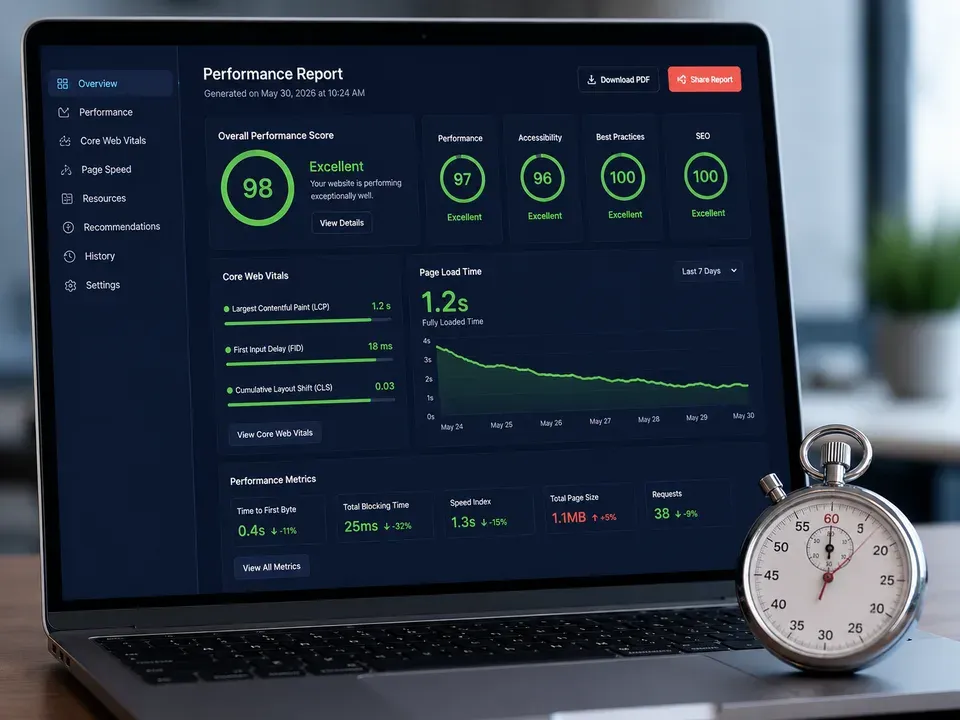
core web vitals 2026 is not just a technical SEO topic. It is a business-performance topic because slow, unstable, or frustrating pages can cost you rankings, leads, calls, form fills, and trust. A faster website helps people move from search result to landing page to next step with less friction.
Quick answer block
Why Core Web Vitals Matter Beyond Rankings
Many businesses hear “Core Web Vitals” and immediately think about SEO rankings. That is fair, but it is also too narrow. A slow page does not only create a search problem. It creates a sales problem.
If a service page takes too long to load, visitors may leave before they read the offer. If a form responds slowly, they may hesitate before submitting. If the layout jumps while someone is trying to tap a button, they may click the wrong thing or lose confidence. Therefore, Core Web Vitals are part of the full customer journey.
Google’s current Core Web Vitals documentation focuses on LCP, INP, and CLS. Its page experience guidance also says improving user experience is worthwhile because it aligns with what ranking systems seek to reward. Review Google’s Core Web Vitals documentation.
VenPro’s SEO services can help connect website performance, technical SEO, content structure, and lead tracking so improvements are tied to business outcomes instead of isolated scores.
Improve your technical SEO foundation
Core Web Vitals 2026 at a Glance
Use this table as a practical diagnostic map. The goal is not to memorize every acronym. The goal is to understand what each metric reveals about real user experience.
| Metric | What it measures | Good threshold | Common causes | Business impact |
|---|---|---|---|---|
| LCP | Main content loading speed | 2.5 seconds or faster | Large hero images, slow server response, render-blocking scripts | Visitors wait longer before seeing the page |
| INP | Page responsiveness | 200 milliseconds or faster | Heavy JavaScript, slow event handling, third-party scripts | Forms, buttons, menus, and filters feel delayed |
| CLS | Visual stability | 0.1 or lower | Images without dimensions, ads, embeds, late-loading fonts | Users lose trust when page elements jump |
| Mobile UX | Real mobile usability | Smooth on common devices | Oversized media, crowded layouts, poor tap targets | Mobile visitors leave before converting |
| Technical SEO | Crawl and render clarity | Clean, fast, indexable pages | Bloated themes, broken scripts, confusing structure | Search engines struggle to understand pages |
| Conversion path | Path from visit to lead | Clear and fast next step | Slow forms, weak CTAs, cluttered layouts | Qualified visitors fail to become leads |
Fix LCP by Making the Main Content Load Faster
Largest Contentful Paint measures how quickly the main visible content appears. For many business websites, that is the hero image, headline area, service-page banner, or top content block. If that element loads slowly, the whole page feels slow.
Start with images. Compress large files, use modern formats where appropriate, size images correctly, and avoid loading a huge desktop image on mobile. Next, review hosting and server response time. A beautiful site still struggles if the server is slow before the page even begins to render.
Also, reduce render-blocking resources. Too many scripts, stylesheets, fonts, sliders, and plugin assets can delay the first useful view of the page. In short, the fastest path to better LCP is usually a cleaner top-of-page experience.
Improve INP by Reducing Interaction Friction
Interaction to Next Paint measures how responsive a page feels after a user interacts with it. For example, when someone taps a menu, clicks a button, opens a dropdown, submits a form, or uses a filter, the page should respond quickly.
INP matters because modern websites often depend on JavaScript. Forms, chat widgets, maps, popups, animations, tracking scripts, booking tools, and ecommerce features can all add delay. Some tools are useful. However, too many unmanaged scripts can make the page feel sticky.
To improve INP, reduce unnecessary JavaScript, delay noncritical scripts, review third-party tools, and test real interactions. Do not only test the homepage. Test the pages that make money: service pages, pricing pages, contact pages, product pages, booking pages, and lead forms.
Lower CLS by Keeping the Page Stable
Cumulative Layout Shift measures how much the page moves unexpectedly as it loads. You have probably seen this before. You try to tap a button, but an image, banner, cookie notice, ad, font, or embedded widget loads late and pushes everything down.
That moment feels small, but it damages confidence. If users feel like the page is fighting them, they are less likely to keep going. For local service businesses, even one frustrating interaction can cost a call or form submission.
To reduce CLS, reserve space for images and embeds, set image dimensions, avoid injecting large banners above existing content, and manage fonts carefully. Also, review mobile layouts because layout shifts often feel worse on smaller screens.
Connect Core Web Vitals to Web Design and SEO
core web vitals 2026 should influence how websites are designed, built, and maintained. Performance cannot be treated as an afterthought after the design is already finished. It needs to shape layout choices, image strategy, plugin decisions, page templates, calls to action, and tracking setup.
For example, a heavy video hero may look impressive but hurt loading speed. A complex animation may feel modern but slow interactions. Too many tracking scripts may help reporting but harm responsiveness. Therefore, performance decisions should balance design, SEO, analytics, and conversion goals.
VenPro’s web design services can help businesses build sites that look professional while staying clean, usable, and search-ready. That matters because a website should not only attract traffic. It should help visitors take action.
Build a faster SEO-ready website
Measure Real Users, Not Just Lab Scores
Core Web Vitals can be measured in different ways. Lab tools are useful for testing controlled conditions, but field data shows how real users experience your site. Google’s Search Console Core Web Vitals report and tools like PageSpeed Insights can help reveal performance patterns across real URLs.
However, do not stop at the score. Look at business context. Which URLs are slow? Are they service pages, blog posts, landing pages, or contact pages? Are problems worse on mobile? Do conversions drop on slower pages?
Also, compare before-and-after results. Track changes in impressions, clicks, engagement, form submissions, phone calls, booking starts, and lead quality. This turns Core Web Vitals from a developer task into a marketing performance system. Review Google’s page experience guidance.
Core Web Vitals 2026 Checklist
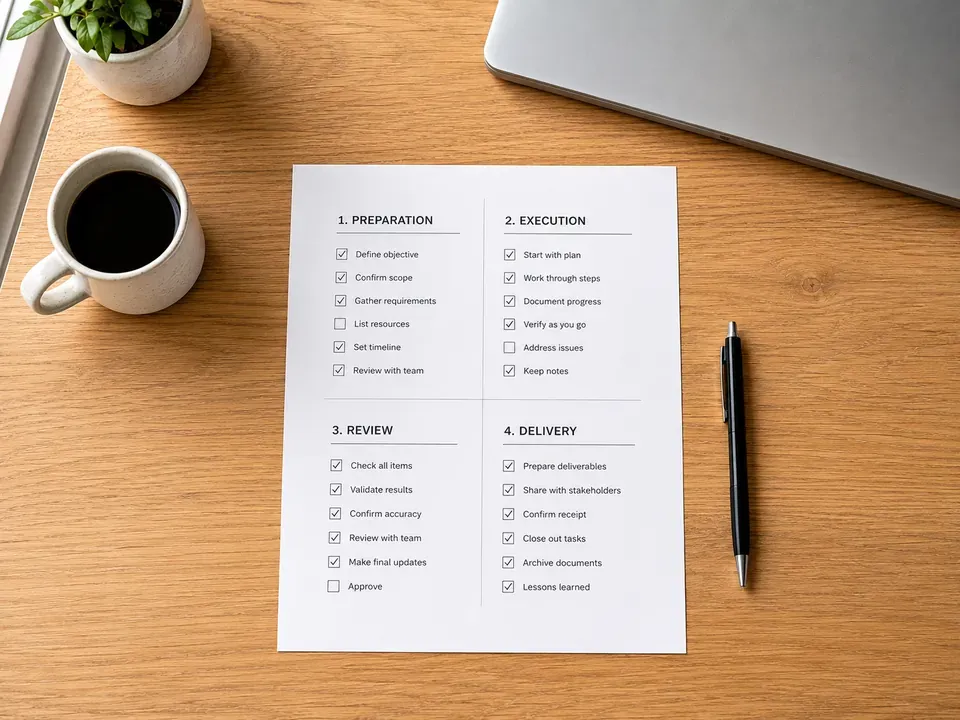
Use this checklist to turn performance improvements into a clear action plan.
- Run a baseline audit. Check LCP, INP, CLS, mobile usability, server response, and high-value page templates.
- Prioritize revenue pages. Start with home, service, pricing, contact, product, booking, and top landing pages.
- Compress and resize images. Fix oversized hero images, unoptimized product photos, and heavy background media.
- Improve server response. Review hosting, caching, CDN setup, database performance, and unnecessary backend load.
- Reduce render-blocking assets. Clean up unused CSS, excessive scripts, heavy fonts, and plugin bloat.
- Review third-party scripts. Audit chat widgets, tracking pixels, maps, embeds, popups, booking tools, and ad scripts.
- Test real interactions. Click forms, menus, filters, accordions, carts, and booking flows on mobile and desktop.
- Reserve layout space. Add image dimensions, manage embeds, stabilize banners, and prevent late-loading content jumps.
- Connect fixes to analytics. Track performance changes alongside leads, calls, forms, bookings, and sales.
- Recheck after updates. Test after redesigns, plugin changes, new campaigns, tracking additions, or major content updates.
Compare VenPro website and SEO support
Frequently Asked Questions
core web vitals 2026 refers to the current Google page experience metrics that evaluate loading performance, responsiveness, and visual stability. The three main metrics are LCP, INP, and CLS. They help show whether real users can load, use, and trust a page without frustrating delays or layout shifts.
A good LCP is 2.5 seconds or faster, a good INP is 200 milliseconds or faster, and a good CLS is 0.1 or lower. These thresholds help separate pages that feel smooth from pages that feel slow, delayed, or unstable.
Yes, Core Web Vitals still matter because they are part of page experience and support the kind of helpful user experience search systems aim to reward. However, they should not be treated as the only SEO factor. Helpful content, relevance, technical clarity, and authority still matter.
Start with the pages that drive leads or sales. Then improve image size, server response, JavaScript weight, third-party scripts, layout stability, mobile usability, caching, and conversion paths. Finally, track both performance scores and business outcomes.
Yes. VenPro can help audit website performance, improve technical SEO, review design and page structure, optimize key service pages, track lead impact, and build a faster website experience that supports search visibility and conversions.
Make Website Performance Part of Your Growth System
core web vitals 2026 is about more than passing a test. It is about giving visitors a faster, smoother, more trustworthy path from search to action. When your pages load quickly, respond smoothly, and stay stable, your marketing has a stronger foundation.