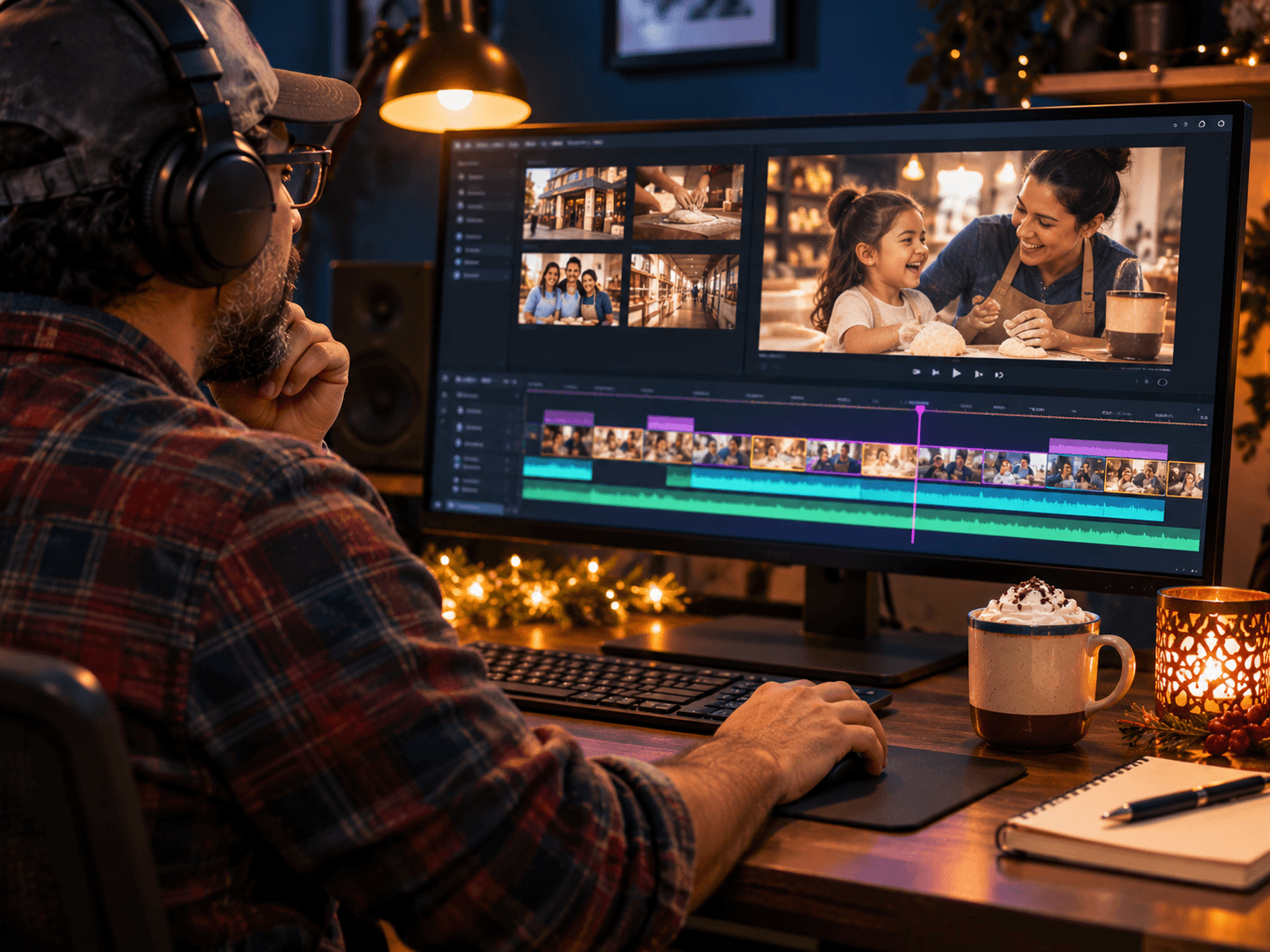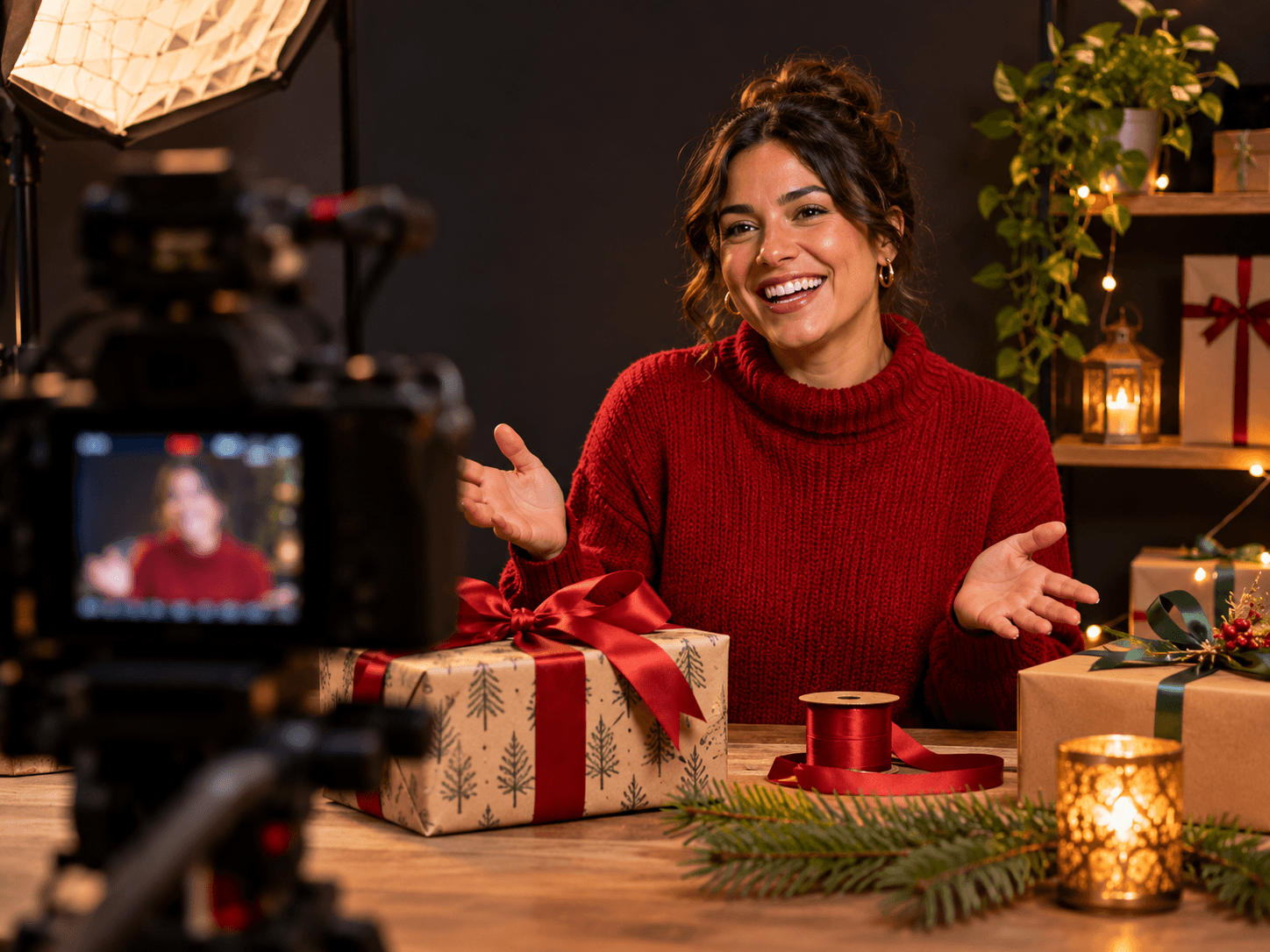
Holiday Video Ideas for Small Business You Can Film in One Day
Holiday video ideas for small business are easy to find and hard to finish. Most owners mean to post holiday videos and end up filming on a busy Saturday in December, phone in one hand and a customer in the other. So the clips come out rushed, or they never come out at all. This guide fixes the timing first. You plan in early November, film everything in one session, and then post all December without picking up a camera again.
Holiday Video Ideas for Small Business, Filmed in One Session
Why Holiday Video Ideas for Small Business Fail: Too Late, One Clip at a Time
In fact, holiday video rarely fails because the idea was bad. It fails on timing. First, the filming slips into December, which is already your busiest stretch. Then each clip gets filmed on its own day, with its own setup and its own excuses. As a result, three videos take three weekends, and the fourth one never happens.
The second problem is the clip itself. A mood shot of string lights looks nice. However, it tells a shopper nothing. In our experience, the videos that work are the ones that answer a question someone was already about to ask you. So the plan below starts with questions, not visuals.
The fix is simple, although it takes discipline. First, pick the date in early November. Then treat it like any other appointment you can't move. Outcome: your December posting depends on one session you already finished, not on a free afternoon you hope to find.
The Eight Holiday Formats at a Glance
Each format answers one shopper question. So if you film all eight, you have covered the big four: what to buy, when you are open, how to order and who works there. The last column is what owners typically notice when a format lands, in our experience.
| Trait | What it means | Where it comes from | What you notice |
|---|---|---|---|
| Gift guide | Three to five gifts you sell | What should I buy? | Questions about specific items |
| Staff picks | Each person names a favorite | Who works here? | Customers ask for people by name |
| Behind the counter | A look at how you work | Why choose you? | Trust before the first visit |
| Holiday hours | Your dates, said out loud | When are you open? | Fewer calls asking about hours |
| How to order | The steps, shown on screen | How do I buy? | Smoother online and phone orders |
| Customer question | One real question, answered | The thing they always ask | The same answer stops repeating |
| A how-to | A quick tip tied to your trade | How do I use this? | Saves and shares |
| Thank-you | A short note to customers | Why come back? | Replies and kind comments |
The One-Session Rule: Plan, Wardrobe, Set, Then Shoot Everything
One session only works if the thinking happens before the camera turns on. So start with a one-page plan. List the eight formats, write two or three lines for each, and note any product you need on hand. Also decide who appears in each clip, because rounding up staff mid-shoot is where sessions stall.
Next, pick a wardrobe. Choose solid colors and one holiday touch, such as a scarf or a sweater. Then bring a second top, so the clips don't all look like the same afternoon. After that, set the space. Clear the background, light one corner well, and leave it alone for the day.
Finally, shoot in order of effort. Start with the easy clips, like holiday hours and the thank-you, so everyone warms up. Then move to the gift guide and the how-to, which need more takes. In short, the plan does the hard work, and the shoot just collects it.
Eight Holiday Video Ideas for Small Business Shops
So here are the eight formats with a filming note for each. Keep every clip short, and say the useful part in the first few seconds.
- Gift guide. Hold up three to five items and say who each one is for. Then end with where to buy.
- Staff picks. Each person names one favorite and why. Also film these back to back, since the setup never changes.
- Behind the counter. Show how a product gets made, wrapped or packed. So customers see the care before they visit.
- Holiday hours. Say your dates plainly, and put them on screen too. Then pin it.
- How to order. Walk through buying online or by phone, one step at a time. In particular, show the gift card if you sell one.
- A customer question. Pick the question you hear most in December and answer it in one take.
- A how-to. Share one quick tip from your trade, such as how to wrap, care for or use what you sell.
- A thank-you. Thank customers for the year. Keep it warm and short, and post it last.
Outcome: eight clips, each one answering a question, all from the same set.
Covering Vertical and Horizontal in the Same Session
As a rule of thumb, phones and social feeds want tall video. By contrast, websites and YouTube want wide video. So decide before you shoot which clips need both. Then frame the shot with room on the sides, or run two cameras, one turned sideways and one level. That way you don't film the same clip twice.
In our studio, a two-camera setup is the easy answer, because each angle records at the same time. However, a single camera can work too, as long as you keep the important action in the middle of the frame. Our guide to getting videos found in search covers where each version should live once it is cut.
A December Posting Plan: What Goes Up Which Week
Then, with eight clips filmed, the posting plan almost writes itself. First week of December: the gift guide and staff picks, while people are still deciding. Second week: behind the counter and how to order, so buying feels easy. Third week: holiday hours and the customer question, right when people check before they drive over. Last week: the how-to and the thank-you.
Also post the holiday hours clip to your Google Business Profile, not just social media. Google's help center explains how video works on a Business Profile and on YouTube Shorts. Then schedule everything at once, so December runs on its own. For more on what to post where, see what to post on Google Business Profile.
Plan content around one studio day →What a One-Off Studio Shoot Includes, and What You Bring
A studio session at Sun City Podcast Studio is a booked block of time with the gear set before you sit down and a producer in the room. You bring the show. Here is what that means for a holiday set.
Also plan for the day itself. Block the whole session on your calendar, then tell your team who is needed and when. That way the shop still runs while you film, and nobody gets pulled off the floor at the wrong moment.
- The room. A treated space, so outside noise and echo stay out of your clips.
- A producer. Someone present for the whole session, watching the takes so you can focus on talking.
- Video on request. Multi-camera video and same-day editing are optional add-ons, and the video-first setup runs three cameras with broadcast lighting.
- What you bring. Your one-page plan, the products for the gift guide, your wardrobe changes and anyone who appears on camera.
For the video-first format, we cut social clips before you leave. So you walk out with posts, not just raw footage. The YouTube creator resources are also worth a look if you want tips on talking to camera before the day.
See the Sun City Podcast Studio room →Frequently Asked Questions
Q1 What are good holiday video ideas for small business owners?
Q2 When should I film holiday videos for my business?
Q3 How many holiday videos can I film in one session?
Q4 What holiday videos work best for a local business?
Q5 Do I need a studio to film holiday videos?
Want to Film Your Whole Holiday Set in One Session? DM SHOOT
So here is the honest version: December posting depends on a November session. That is the real deadline, and it is a calm one if you plan for it now. Bring your list, your products and your team, and we will handle the room, the light and the takes. It is one shoot, not a retainer, and these holiday video ideas for small business become a month of finished posts.