Google Business Profile Videos: What to Upload and What Gets Rejected
Google Business Profile videos let customers walk through your door before they ever visit. Most local businesses have a few old photos on their profile and no video at all. So a shopper comparing two places sees a still image of one and a moving, real look at the other. This guide covers why profile video matters, the upload rules, five videos every local business should have, why some get rejected and how to film them.
Google Business Profile Videos, in Short
Why Google Business Profile Videos Matter for Local Searches
First, your profile is often the first thing a local shopper sees. It shows up in Search and Maps, right next to your competitors. So, in our experience, it is where a lot of the deciding happens. Real photos and videos help customers understand your business before they visit, which can make them more likely to choose you.
However, video does something photos can't. It shows what it feels like to walk in: the space, the sound, the people. In addition, it answers questions without anyone having to ask, such as how big the shop is or whether there is parking out front.
Also, it keeps the profile fresh. As a result, a profile with recent video looks active and cared for. Outcome: shoppers who find you on Maps get a reason to pick you, not just your address. For the bigger local search picture, see the El Paso local SEO playbook.
The Five Profile Videos at a Glance
So here are the five videos every local business should have, in one view.
| Trait | What it means | Where it comes from | What you notice |
|---|---|---|---|
| Walk-in tour | A slow walk through the door | Your entrance and space | Fewer first-visit nerves |
| The team | The people customers will meet | Your staff at work | A friendly first impression |
| Work in action | Your product or service happening | The counter, kitchen or job site | Proof of what you do |
| Customer moment | A real, happy interaction | A customer who agreed to it | Trust from a peer |
| Seasonal clip | What is new right now | Holiday decor or a new item | A profile that looks current |
The Upload Rules: Length, File Size and Resolution
Of course, Google sets the limits, and they are short. Google's help page lists videos up to 30 seconds long, up to 75 MB in size and 720p resolution or higher. So plan each clip to fit inside thirty seconds, and export it in a size your phone or editor can keep under the limit.
Then again, rules can change, so check the current version before you film. Google's Business Profile help center has the photo and video guidelines. In short, short and sharp wins here, because anything longer simply won't upload.
Five Videos Every Local Business Should Have There
Next, here is each video in a little more detail, with a filming note.
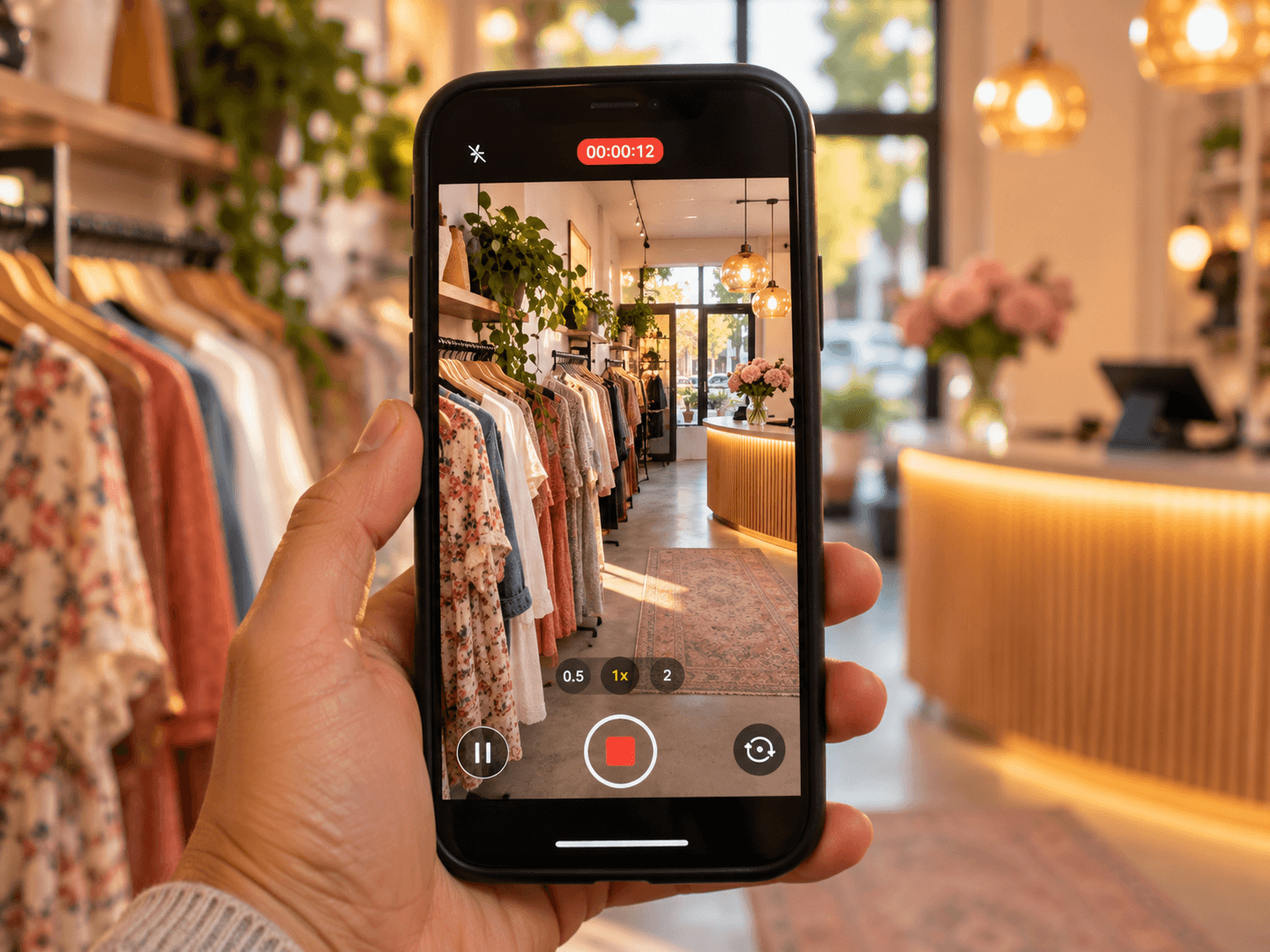
- A walk-in tour. Start outside, walk through the door and slowly show the space. So a new customer knows what to expect.
- The team. A few seconds of each person at work, waving or saying hello. Then customers recognize the faces when they arrive.
- The work in action. Show what you actually do: a haircut, a dish, a repair. Also keep the camera steady and the light good.
- A customer moment. A real, happy interaction. Of course, film it only with the customer's permission.
- A seasonal clip. Your holiday decor, a new menu item or a seasonal product. As a result, the profile looks current.
Then upload them on a simple schedule instead of all at once. For example, add the walk-in tour and the team clip first, since those answer the biggest first-visit questions. Next, add the work in action. After that, swap the seasonal clip each season, so the profile always looks current. In short, a steady trickle of real video keeps the profile alive all year.
Outcome: five short clips that answer the questions a shopper has before they visit.
Why Google Business Profile Videos Get Rejected or Stay Pending
In fact, not every upload shows up right away. New uploads can take time to review, so a video may sit as pending for a while. However, some never appear. Videos that break content policies or do not show the business may be removed.
So stick to clips of your actual business. For example, avoid stock footage, slideshows of text and promotional graphics. Also avoid filming customers without permission. In particular, a video that looks like an ad instead of a real look at your place is a common reason uploads don't stick, in our experience. When in doubt, check the guidelines before you upload.
Filming for the Profile: Short, Real and Not a Slideshow of Text
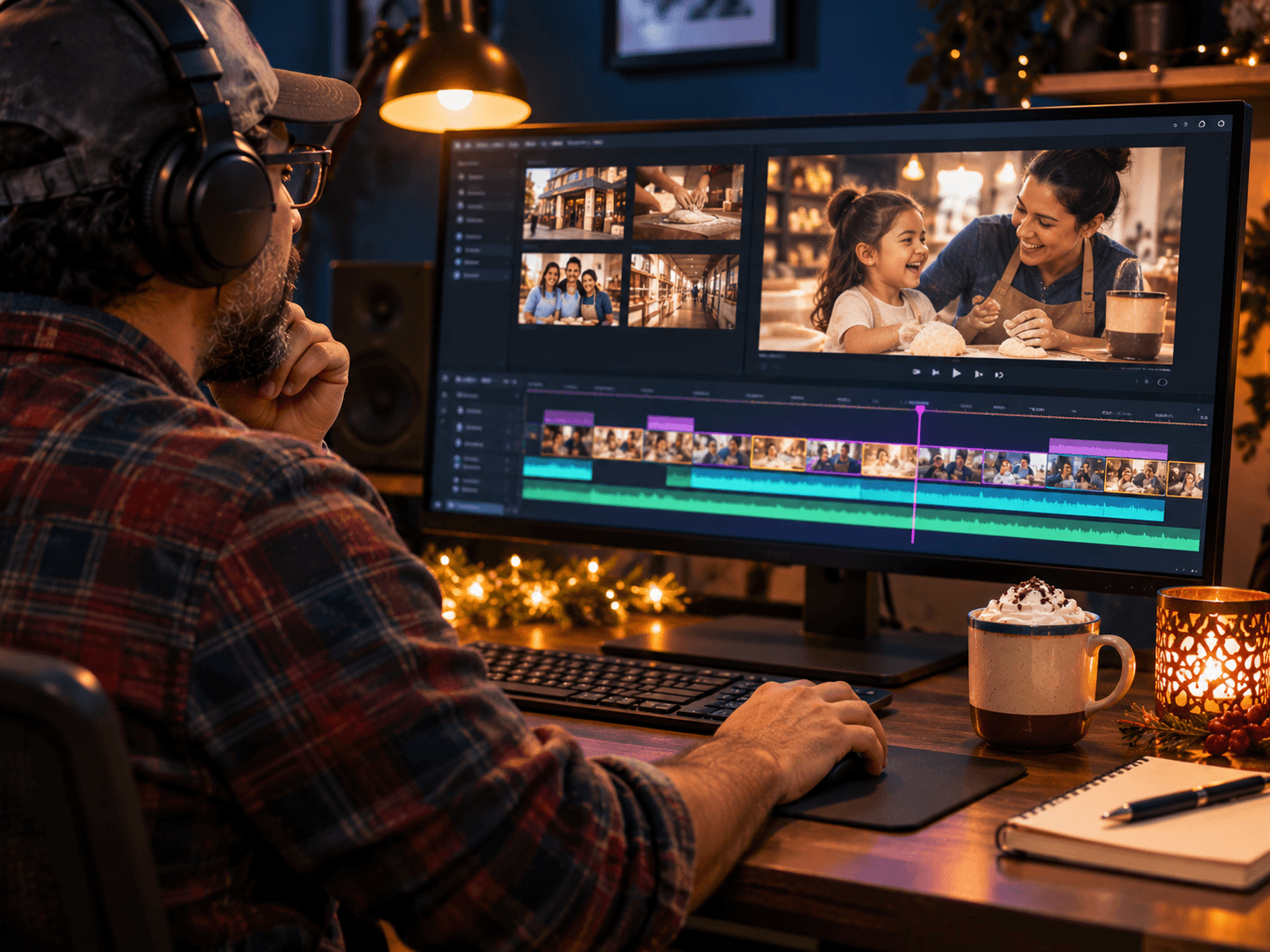
Basically, profile video is not the place for big graphics. Instead, film real moments with steady hands and good light. First, plan each clip to tell one thing in under thirty seconds. Next, film it a few times, so you can pick the cleanest take. Then trim the start and end so it gets to the point fast.
Also film on a bright day, or turn on every light in the shop. Then a phone works fine for this, as long as you hold it steady and move slowly. In short, real and calm beats polished and busy. If you want more ideas on video in general, read about the role of video marketing for your brand.
See the Sun City Podcast Studio →Pair Video With Posts and Photos for WinterFest Weekend and Small Business Saturday
Similarly, video works best alongside fresh posts and photos. So time a seasonal clip for the busy weekends. WinterFest opens downtown on November 21, and Small Business Saturday lands on November 28. The City of El Paso publishes the WinterFest dates and events.
Then post an update the same week: your hours, your offer and a photo. As a result, a shopper checking your profile that weekend sees a current video, a fresh post and the right hours, all in one place. For post ideas, see what to post on Google Business Profile.
Frequently Asked Questions
Q1 What makes good Google Business Profile videos?
Q2 How long can a Google Business Profile video be?
Q3 Why is my Google Business Profile video not showing?
Q4 What videos should I add to my Business Profile?
Q5 Do videos help my Google Business Profile?
Want a Set of Profile-Ready Clips From One Shoot? DM SHOOT
Five short clips, filmed once, ready for the holiday rush. We can film them in a single session, cut each one to fit the limits and hand them over ready to upload. It is one shoot, not a retainer, and the same clips work on social media too. That is how Google Business Profile videos should come together: one plan, one shoot, a full set.