If you are asking what access should i give my marketing agency, you are already asking the right question, and most owners never get to it. The instinct is to hand over everything, because that feels helpful and it removes friction on day one. So people share a password, or add somebody as an owner, and the arrangement quietly becomes permanent. Here is the right level on each platform, and a checklist you can hand over on the first morning.
The Principle: Grant The Least That Lets The Work Happen
One rule covers every platform, and it saves you memorising five settings menus. Give the smallest permission that still lets somebody do their job. So the test is not "would this be convenient" but "would the work stop without it".
That rule is not about trust. Good vendors get locked out by staff changes, and bad handovers happen between people who liked each other. Then the arrangement you set up on day one is the thing that protects both sides. In fact, most agencies prefer this, because a clean permission is also a clean exit for them.
Also, the least-access rule scales. You do not need to relearn it when a new tool appears, because the question is always the same. So ask what would stop working without this permission. Then grant that much and nothing more.
The Right Level, Platform By Platform
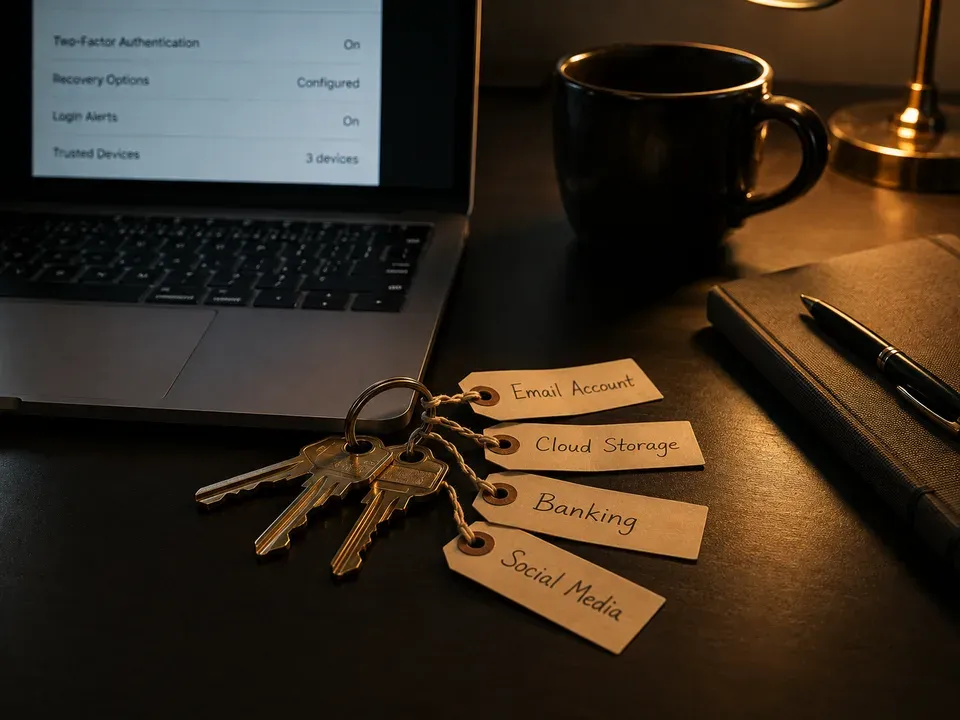
Here is the whole answer in one table. Read the first column as the platform, then the rest as the level to grant and what you would notice if it is wrong.
| Trait | What it means | Where it comes from | What you notice |
|---|---|---|---|
| Meta | Partner access on assets your Business Manager owns. | Business Settings, Partners | So your agency appears under Partners, not Owned By. |
| Google Ads | Link their manager account to the account you hold. | Admin, access and security | Then a removal option sits beside the link. |
| Analytics | Property level access, never account level. | Analytics admin, access management | Also, other properties stay out of view. |
| Business Profile | Manager, so they can post but not manage users. | People and Access | In fact, you keep the primary owner seat. |
| Website and hosting | A named user account with the role they need. | Your content system and host | So every change carries a name beside it. |
Meta And Google Ads: Access, Not Handover
On Meta, the arrangement is partner access. Your Business Manager holds the ad account, the pixel and the audiences, and you invite the agency in as a partner. So they can build, spend and report without holding anything. Then removal is one click when the time comes.
Google Ads works on the same idea with different words. You hold the account, and their manager account links to yours. However, watch for the alternative, where an agency creates the account inside their own hierarchy instead. That version looks identical in reporting and behaves completely differently at the exit. Also, the daily work of social media marketing in El Paso never needs more than partner-level access.
There is one detail worth checking on Meta. Partner access can run in two directions, and only one of them helps you. So confirm that your Business Manager is the one sharing assets outward, rather than receiving them from theirs. Then the arrangement reads correctly on the screen.
Analytics And Your Business Profile
Analytics has two levels and the difference matters. Account level exposes every property underneath it. Property level exposes one. So grant property level, which is all anyone needs to build reports and configure tracking for your site.
Your Business Profile follows the same logic with different names. Managers handle hours, photos, posts and review replies. Owners manage the user list, and the primary owner can hand the profile to somebody else. Then the right grant is manager, every time, and you keep the primary seat. Of course, the measurement side of this is covered in from data to decisions. Google keeps the current permission levels for both products in Google's account access documentation.
Also, decide who at your company holds the top level before you invite anyone else. Two internal admins is the sensible number. So one departure never locks you out. Then a vendor change becomes routine rather than tense.
Website And Hosting: A Named User, Not Your Password
Your content system almost certainly supports multiple users with different roles. So create one for the agency rather than sharing yours. Then pick the lowest role that covers their work, which is usually editor rather than administrator.
Hosting deserves the same treatment, and it is the one people skip. Many hosts allow a secondary user or a limited panel login. Also, keep the registrar separate and grant nothing there at all unless a specific task requires it. In fact, domain access is the one place where the answer is almost always no.
For example, an editor can publish pages and update copy without touching plugins, themes or user accounts. That covers most agency work on a site. So reserve administrator for someone at your company. Then a mistake stays small and recoverable.
Why Shared Logins Are The Worst Option Everywhere
A shared password feels like the simplest thing in the world, and it creates three problems at once. First, the audit trail disappears, since every change carries the same name. Second, removal means changing a password and telling everyone, which nobody does promptly.
Third, some platforms treat shared credentials as a terms problem rather than a convenience. So the tidy option is also the compliant one. Then there is the practical version of the same point: a shared login cannot be revoked for one person, and that is exactly what you need at a handover. The site itself sits behind the same reasoning, which is why El Paso web design and development should always ship with named accounts.
Of course, some older tools still have only one login. When that happens, write down who holds it and change it the day a relationship ends. So the exception exists, and it needs a routine attached to it.
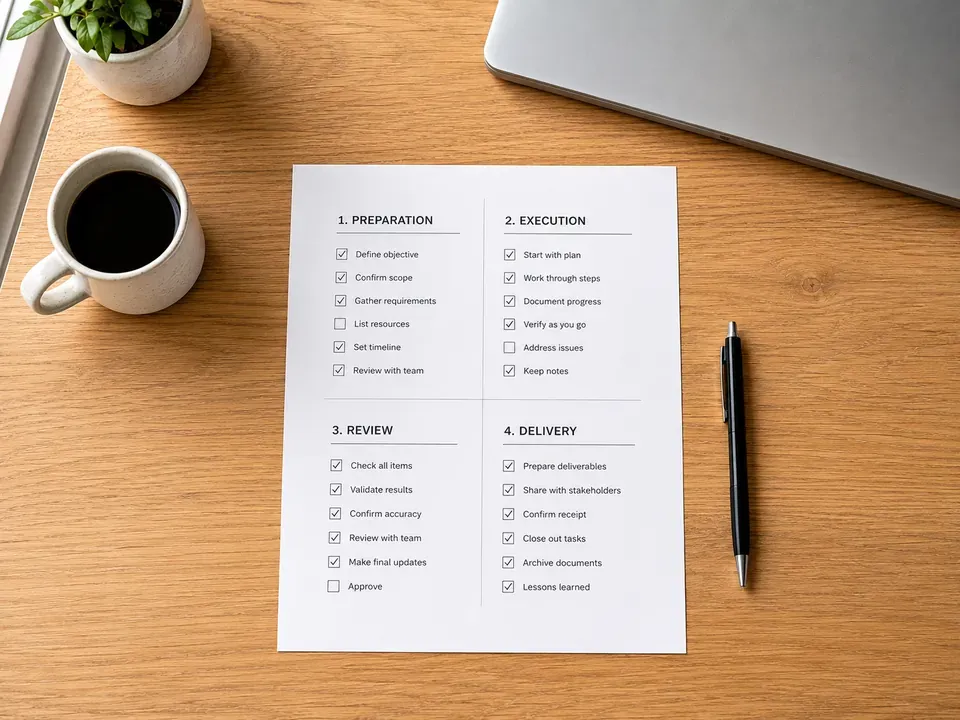
A Day-One Checklist: What Access Should I Give My Marketing Agency
Hand this over on the first morning and the whole question is settled before any work starts.
- Confirm you hold each container first. So check the Business Manager, the ad accounts, the analytics account and the profile before granting anything.
- Grant by name, never by password. Then every action carries an identity, and removal takes one click instead of a conversation.
- Start one level lower than requested. Also, it is easy to raise a permission later and awkward to lower one.
- Write down what you granted and when. Finally, keep a short list, because in a year nobody will remember what was given on day one.
None of those five minutes of work will feel urgent. Indeed, that is exactly why they get skipped, and why access quietly accumulates instead. General footing on how vendor arrangements should read sits in the SBA small business guidance, and the wider series continues in the VenPro marketing insights archive. Also, send the checklist rather than describing it. A written list gets actioned, and a spoken one gets remembered differently by each side. So the document does the work for you.
How to buy a website in El Paso
Reviewing Access Every Quarter
Access accumulates quietly, and nobody notices until they look. So put a quarterly reminder in the calendar and spend fifteen minutes on it. Then open each platform, read the user list, and remove anyone who no longer needs to be there. In our experience the most common finding is not a vendor at all. It is a former employee, or a contractor from two projects ago, still sitting on the list with full rights.
Keep the review boring and short. Open the list, remove what does not belong, and note the date. So fifteen minutes closes it. Then the next review takes ten, because the list stays clean.
Frequently Asked Questions
Grant partner access on Meta, a manager account link on Google Ads, property level on Analytics, manager on your Business Profile, and a named editor account on your website. So they can start immediately, and you keep every container.
Enough to build, run and report on the work. On every major platform that is a permission level granted by you, not ownership of the account itself.
No. Shared logins remove the audit trail, break platform terms in some cases, and make removal messy. Named user access is cleaner for both sides.
Property level access is usually sufficient. Account level access exposes everything under that account, which is why agencies rarely grant it and why you should not need to.
Quarterly is a reasonable rhythm. Access accumulates quietly, and former contractors and staff are the most common thing found in a review.
Settling What Access Should I Give My Marketing Agency
Deciding what access should i give my marketing agency takes one morning and saves an ugly week later. So grant by name, grant the minimum, and write down what you did. Then review it once a quarter. Overall, the arrangement that is easiest to end is also the one that runs best while it lasts.