Veteran-Owned Business Marketing in El Paso: Show It on Google
Veteran-owned business marketing in El Paso starts with proof customers can actually see. Many veteran owners never turn on the veteran-owned label on Google, never mention their service on their website, and then wonder why it never comes up. So the story stays private, even though it matters to the people buying. This guide covers the practical steps: Google, your website, certification and Veterans Day, all in a way customers and buyers can check.
How Veteran-Owned Business Marketing Works on Google and Your Site
Why Veteran-Owned Business Marketing Matters to El Paso Buyers
First, El Paso is a military town. Fort Bliss sits right here, and so do the families, retirees and veterans connected to it. So when someone in that community needs a mechanic, a contractor or a caterer, veteran ownership can be the detail that tips the choice. In our experience working in this market, it is a trust signal, not a gimmick.
However, a trust signal only works if people can find it. A veteran owner who keeps the story off Google and off the website is invisible to the exact customers looking for them. So that is the gap this guide closes.
There is also a second side, of course: selling to other businesses. Some large buyers track who they hire, and a formal cert can matter there. We cover that below. Outcome: the customers who care about veteran ownership can see it, and the buyers who need proof can verify it.
Where to Show It at a Glance
So here are the places veteran ownership belongs, what each one does and what you notice when it is set up well.
| Trait | What it means | Where it comes from | What you notice |
|---|---|---|---|
| Profile attribute | A label on your Google listing | Business Profile settings | The label shows in your listing |
| About page story | A short, true service story | Your website | Customers mention it on calls |
| Footer and schema | A quiet, consistent mention | Every page of your site | The same message everywhere |
| VetCert | Formal SBA certification | The SBA program | Eligibility for some federal bids |
| Real proof | Photos, details and reviews | Your profile and site | Trust before the first visit |
The Google Business Profile Veteran-Owned Attribute
Google Business Profile has business identity attributes, and Veteran-owned can be one of them. To set it, edit your profile and look for the identity attributes section. Then select Veteran-owned and save. Availability depends on your business category and region, so it may not appear for every business. Google's Business Profile help center explains how attributes work.
Before you change anything, make sure you actually control the profile. If a former employee or an old agency set it up, you may not have full access. So check who the owner is first, using our guide to who should own your Business Profile. Outcome: the label is on, and you are the one who controls it.
What if you don't see the option? First, check your main category, since the choices change by type of business. Next, make sure the profile is fully set up and verified. Then check again in a few weeks, because the options can change. Also, never pick a label that isn't true. In short, the label should match the facts, every time.
Veteran-Owned Business Marketing on Your Website
Your website is where the story belongs. Start with the about page. Write a short service story: your branch, roughly when you served, and how that shapes the way you work. Keep it real and keep it brief. For example: "I served eight years in the Army, and I run this shop the same way: on time, no excuses." That is enough. Next, the footer. A short line such as "Veteran-owned and operated in El Paso" on every page keeps the message steady.
Then the code. Basically, Organization schema is a small block of structured data that tells search engines who you are. The vocabulary lives at schema.org, and the Organization description is a natural place to state veteran ownership accurately. Also, where it does not belong: every headline. Repeating it on every page title starts to read like a sales line, and that undercuts the trust it should build.
Request a free website audit →VetCert Through the SBA: When Certification Matters
VetCert is the Veteran Small Business Certification program run by the U.S. Small Business Administration. It covers veteran-owned and service-disabled veteran-owned small businesses. In particular, it matters most when you sell to the federal government, where certification can count on some contracts.
So should every veteran owner apply? Not always. If your customers are local households, the profile attribute and your website story may do more for you day to day. However, if you bid on government work or sell to large buyers who track supplier diversity, certification can open doors. In short, match the effort to who you sell to.
Veterans Day Posts That Do Not Read Like a Sales Pitch
Veterans Day is November 11, and it is easy to get wrong, in fact. A thank-you and a real story usually land better than a sale. For example, share a photo from your service, a short note about a teammate, or a thank-you to the veterans you serve. Then stop there.
Also skip the things that feel like a pitch. For example, a flag graphic with a big discount on top can read as using the day. Likewise, a post that is mostly about your prices says the wrong thing. Instead, keep the focus on people. So thank them by name if they agree, share a story, and let the post be about them.
If you do run an offer, make it for veterans and military families, not about them. Also post it to your Google Business Profile, not just social media, so people searching that week see it. For ideas on what to publish, see what to post on Google Business Profile.
Proof Over Patriotism: Photos, Service Details and Reviews
Flags and slogans are easy to find in November. By contrast, proof is rare. So lean on what only you have. Here is what counts as proof.
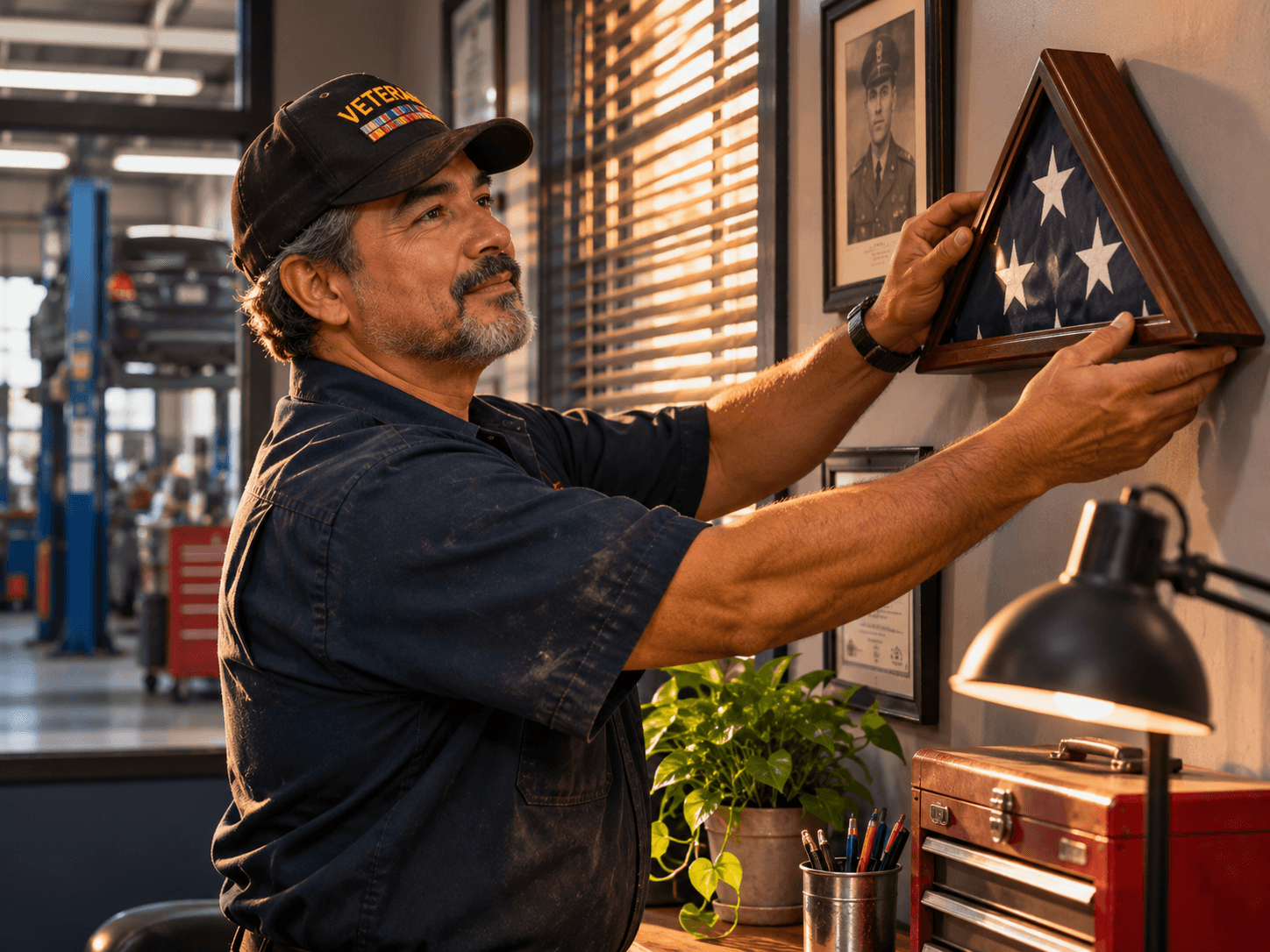
- Real photos. You at your business, your team at work, and a service photo if you are comfortable sharing one.
- Service details. Your branch and a sentence about what you did, in plain words, on your about page.
- Customer reviews. Reviews that mention your service or your care, especially from military families.
- Certification, if you have it. Your VetCert status, stated accurately, on the pages buyers read.
Then keep it fresh. Add a new photo now and then, and answer reviews in your own words. As a result, your profile shows a real person who served, not a stock image. Overall, the proof does the selling, so you don't have to.
Outcome: your veteran ownership reads as a fact customers can confirm, not a banner they scroll past.
Using reviews and testimonials in marketing →Frequently Asked Questions
Q1 What is the first step in veteran-owned business marketing?
Q2 How do I show my business is veteran-owned on Google?
Q3 What is VetCert?
Q4 Should a veteran-owned business run Veterans Day promotions?
Q5 Where should a veteran-owned badge go on my website?
Want Your Site and Profile to Show It Properly? DM SITE
You earned the label. So now make sure people can see it. One scoped job can set the profile attribute, write the about page story, add the footer line and the schema, and check that it all matches. It is a one-off fix, not a retainer. That is veteran-owned business marketing done the honest way: visible, accurate and easy to verify.