





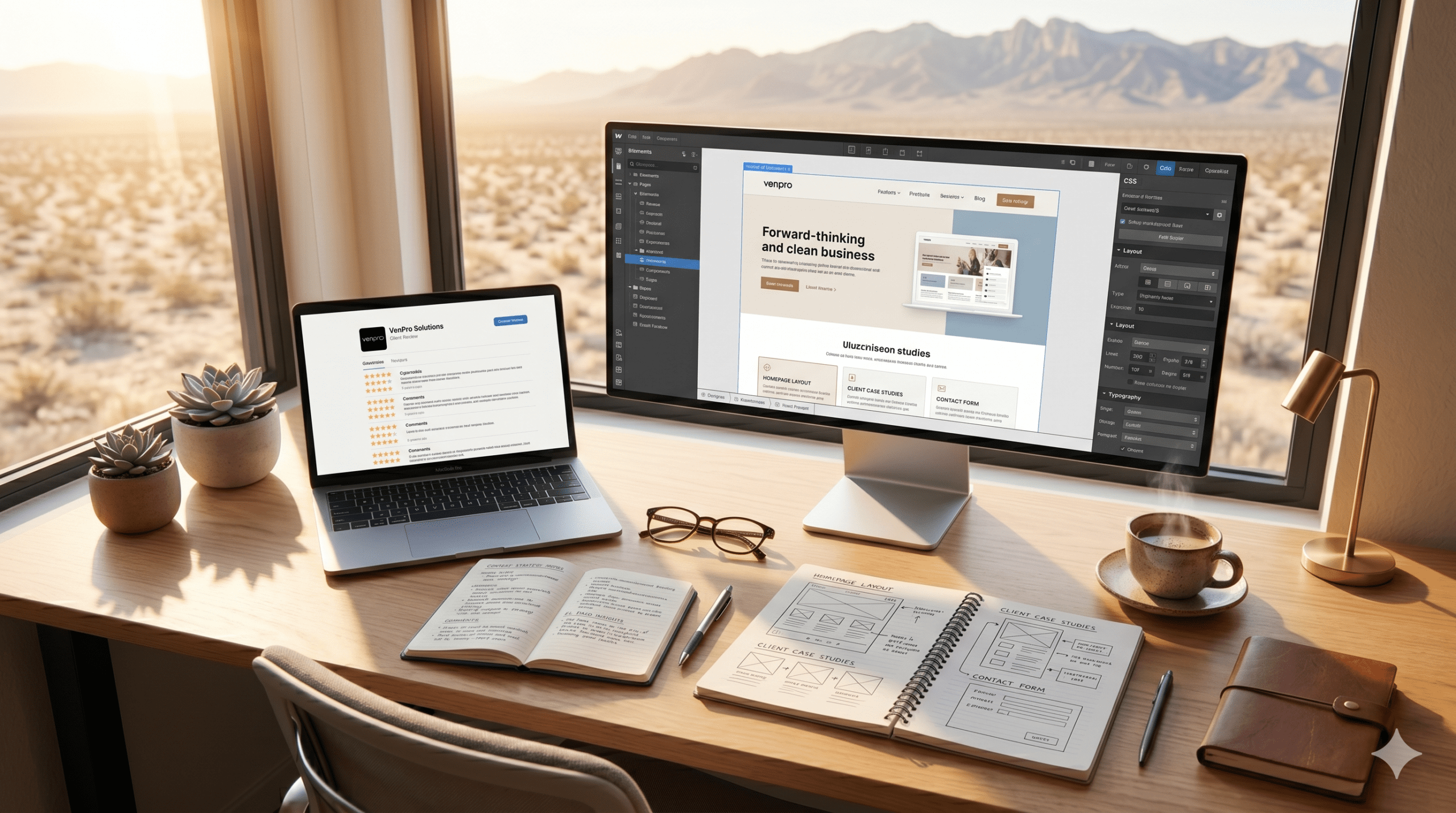
Webflow Web Design El Paso: The Smarter Way to Build Your Business Website
If you’ve ever stared at your business website and thought “this thing is slow, outdated, and I can’t even update it without calling someone” — you’re not alone. That’s the reality for a huge number of El Paso business owners stuck with websites built on platforms that made sense five years ago but can’t keep up anymore.
Here’s where things get interesting. There’s a platform called Webflow that’s quietly changing how businesses build their online presence — and El Paso businesses are starting to catch on. It’s not a clunky DIY builder. It’s not the plugin nightmare that WordPress can become. It’s a professional-grade design and development platform that delivers fast, beautiful, SEO-ready websites without the baggage.
If you’ve been searching for Webflow web design in El Paso, this guide covers everything you need to know — what Webflow actually is, how it compares to what you’re probably using now, and why it might be the smartest move your business makes this year.
What Is Webflow and Why Should El Paso Business Owners Care
Webflow is a visual web design and development platform that lets designers build fully custom, production-ready websites without writing code from scratch. Think of it as the middle ground between a basic drag-and-drop builder like Wix and a fully custom-coded site that costs $20,000 and takes three months.
What makes it different is what happens under the hood. While you design visually, Webflow generates clean, semantic HTML, CSS, and JavaScript — the kind of code that search engines love and browsers render fast. There are no bloated plugins slowing things down. No theme files fighting each other. No security vulnerabilities from outdated third-party add-ons.
It also comes with built-in hosting on Amazon Web Services and Fastly CDN, a flexible content management system your team can actually use, and native SEO tools that don’t require a separate plugin to function.
For El Paso business owners, the practical translation is simple: a faster website, better search rankings, lower maintenance headaches, and the ability to update your own content without breaking anything or calling your developer every time you need to change a phone number.
Webflow vs. WordPress vs. DIY Builders — How They Stack Up
This is the comparison most business owners want to see before making a decision:
| Factor | Webflow | WordPress | Squarespace / Wix |
|---|---|---|---|
| Design flexibility | Fully custom, pixel-level control | Theme-dependent, limited without code | Template-based, drag-and-drop |
| SEO capability | Built-in, clean code, fast indexing | Strong with plugins (Yoast, RankMath) | Basic, limited control |
| Page speed | Excellent — clean code, global CDN | Variable — plugin bloat slows it down | Moderate — platform-dependent |
| Security | Managed by Webflow, automatic SSL | Requires updates, plugins create vulnerabilities | Managed by platform |
| Maintenance | Minimal — no plugins to update | High — themes, plugins, core updates | Low — platform handles it |
| Content editing | Visual CMS, intuitive for non-technical users | Dashboard editor, steeper learning curve | Simple but limited |
| Cost (build) | $3,000–$12,000 with an agency | $3,000–$15,000+ with an agency | $0–$500 DIY, $1,500+ with help |
| Ongoing cost | $14–$39/month hosting | $10–$50/month hosting + plugin fees | $16–$49/month |
| Code ownership | Export clean code anytime | You own files but need hosting | Locked to platform |
No platform is perfect for every situation. But for El Paso businesses that want a custom look, strong SEO, fast performance, and low maintenance — Webflow hits a sweet spot that’s hard to match.
The Biggest Advantages of Choosing Webflow for Your El Paso Business Website
Here’s what business owners notice most after making the switch:
Page speed that actually impresses. Webflow sites consistently score in the 90s on Google PageSpeed Insights. No plugin bloat, no render-blocking scripts from five different add-ons, no theme overhead dragging things down. Fast sites rank better and convert more visitors — that’s not an opinion, it’s data.
No plugin dependency. WordPress sites often rely on 15 to 30 plugins to function — forms, SEO, security, caching, backups, sliders, analytics. Each plugin is a potential security hole, a compatibility conflict, and a performance drag. Webflow handles most of these functions natively. Fewer moving parts means fewer things that break.
Built-in SEO tools that work out of the box. Custom meta titles, descriptions, Open Graph settings, automatic sitemaps, clean URL structures, alt text management, and 301 redirects — all built in. No installing a plugin and hoping it doesn’t conflict with your theme.
A visual CMS your team can actually use. Webflow’s content editor lets you update text, swap images, add blog posts, and manage collections without touching code or navigating a confusing dashboard. You train your team once and they’re self-sufficient.
Responsive design with real control. Instead of hoping your template looks decent on mobile, Webflow lets designers customize the layout at every breakpoint — desktop, tablet, landscape, portrait, mobile. Every screen size gets intentional design, not an afterthought.
Enterprise-grade hosting included. Every Webflow site runs on AWS with Fastly CDN, automatic SSL, and 99.99% uptime. You don’t shop for hosting, configure servers, or worry about your site going down during a traffic spike.
Clean code you can export. If you ever decide to leave Webflow, you can export your site’s code and take it with you. You’re never locked into the platform against your will.
What a Webflow Web Design Project Looks Like From Start to Finish
Knowing the process helps you plan your timeline and set expectations:
Week 1-2 — Discovery and strategy. The agency learns your business, your audience, your goals, and your competitors. This is where sitemap planning, content strategy, and brand direction get locked down. Skip this step and everything downstream suffers.
Week 2-3 — Wireframing and content. Page layouts are mapped out as wireframes — structural blueprints that show where content, images, and calls to action will live. Meanwhile, content gets written or refined. Your agency should be helping with this, not waiting on you to produce it alone.
Week 3-5 — Visual design and Webflow development. The site gets designed and built simultaneously in Webflow. This is one of the platform’s biggest advantages — there’s no separate “design phase” in Photoshop followed by a “development phase” where half the design gets compromised. What you see is what gets built.
Week 5-6 — CMS setup, SEO, and testing. Content collections are configured, SEO settings are dialed in, forms are connected, and the site is tested across every device and browser. Your team gets trained on how to manage content.
Week 6-7 — Launch and optimization. The site goes live. Analytics and tracking are confirmed. Performance is monitored. Any post-launch adjustments happen quickly because Webflow makes real-time updates simple.
Most El Paso business websites built on Webflow go from kickoff to launch in four to seven weeks. More complex builds with extensive content or custom features may take longer, but the process is almost always faster than a comparable WordPress project.
Why Working With a Local Webflow Designer in El Paso Matters
You can hire a Webflow designer anywhere in the world. But there are real advantages to working with someone who knows El Paso:
Bilingual website builds done properly. A local designer understands that bilingual in El Paso isn’t a nice-to-have — it’s essential. They’ll build your Webflow site with native Spanish content, proper language switching, and culturally aware design that resonates with your actual audience.
Local SEO baked into the build. An El Paso-based agency knows which local directories matter, how to structure your content for “near me” searches, and how to integrate your Google Business Profile with your site for maximum local visibility.
Understanding your market firsthand. The border economy, the bilingual consumer base, the community-driven buying culture, the seasonal traffic patterns — a local designer doesn’t need a briefing document to understand these factors. They live here. They get it instinctively.
Face-to-face collaboration when you want it. Sometimes a Zoom call doesn’t cut it. Being able to sit across a table from your designer, walk through your brand, and talk through your vision in person creates a level of alignment that remote-only relationships struggle to match.
Ready for a Website That Actually Keeps Up With Your Business
Your website should be an asset, not a headache. If you’re tired of slow load times, plugin updates, security scares, and a site that doesn’t reflect the quality of your business — Webflow might be exactly the upgrade you need.
VenPro Solutions builds Webflow websites for El Paso businesses that want speed, style, and search performance without the maintenance burden. Every site we build is custom-designed, mobile-first, SEO-optimized, and bilingual-ready — because that’s what this market demands.
Visit venpro.solutions to see what a smarter website looks like, or get in touch to start the conversation. You can also explore our other guides on website design agencies in El Paso, top marketing agencies, digital marketing solutions, and content marketing agency reviews.
Questions El Paso Business Owners Ask About Webflow Web Design
How much does a Webflow website cost in El Paso?
A professionally designed Webflow site for a small business typically runs between $3,000 and $12,000, depending on the number of pages, complexity, and custom features. Webflow’s monthly hosting fees range from $14 to $39 for most business sites. Overall, total cost of ownership is often lower than WordPress when you factor in reduced maintenance and plugin costs.
Is Webflow better than WordPress for SEO?
Both platforms can rank well when built properly. Webflow’s advantage is that SEO best practices — clean code, fast load times, proper meta structures — are built in from the start rather than bolted on through plugins. For businesses that don’t have a dedicated developer managing their WordPress SEO stack, Webflow typically delivers better out-of-the-box search performance.
Can I edit my Webflow site myself after it's built?
Yes. Webflow’s content editor is designed for non-technical users. You can update text, swap images, publish blog posts, and manage content collections without touching code. Your agency should provide a training session at launch so your team feels confident making updates.
Is Webflow good for e-commerce?
Webflow has native e-commerce functionality that works well for businesses selling a focused product line — under a few hundred SKUs. For large-scale e-commerce with complex inventory, subscriptions, or marketplace features, Shopify or WooCommerce may be a better fit.
What if I want to leave Webflow later?
Webflow lets you export your site’s HTML, CSS, and JavaScript at any time. You’re not locked in. That said, most businesses that switch to Webflow end up staying because the performance and ease of use make it hard to justify going back.
Do I need a Webflow expert or can any web designer build on it?
Webflow has a learning curve. A designer who’s experienced in Webflow will build a cleaner, faster, more optimized site than someone learning the platform on your project. Ask to see Webflow-specific portfolio work before hiring.
This is the final post in VenPro Solutions’ seven-part series on the Fort Bliss data center and what it means for El Paso. We have covered the deal, the economics, the history, the business opportunities, and the vision of what this city can become. We believe in El Paso — and we believe that the businesses, institutions, and residents of this community have everything it takes to build something remarkable. If you are ready to position your brand for what comes next, we would love to be part of that journey.
Explore more at venpro.solutions/insights