Ask one question, who owns my ad account, and in our experience the room goes quiet. Also, most owners pay an agency every month without pause. Far fewer can name the Business Manager that holds the account their money runs through. Of course, that gap is not a character flaw. Nobody hands you a list on day one, and no platform sends a reminder. So here is the list. In short, nine assets should carry your business name, and you can check every one yourself.
Why Nobody Ever Asks Who Owns My Ad Account
Naturally, the question rarely comes up, because nothing forces it. Onboarding moves fast. Someone needs a pixel on the site by Friday, so the fastest path wins, and the fastest path is usually the agency creating the asset inside its own account structure. Notably, that choice takes four seconds. Then nobody revisits it.
Also, the day-to-day never surfaces it. Reports arrive, and leads arrive. Meanwhile, the dashboard looks the same whether the account sits in your name or somebody else's. In fact, the two situations look identical right up until the moment you try to leave. Basically, that is the whole problem in one sentence.
So the question only lands at the worst possible time, mid-handover, with a campaign running and a new team waiting. For example, ten minutes of checking today costs you nothing. However, the same ten minutes during a transition can cost a quarter of momentum. Naturally, the better moment is now, while nothing is on fire.
The Nine Assets At A Glance
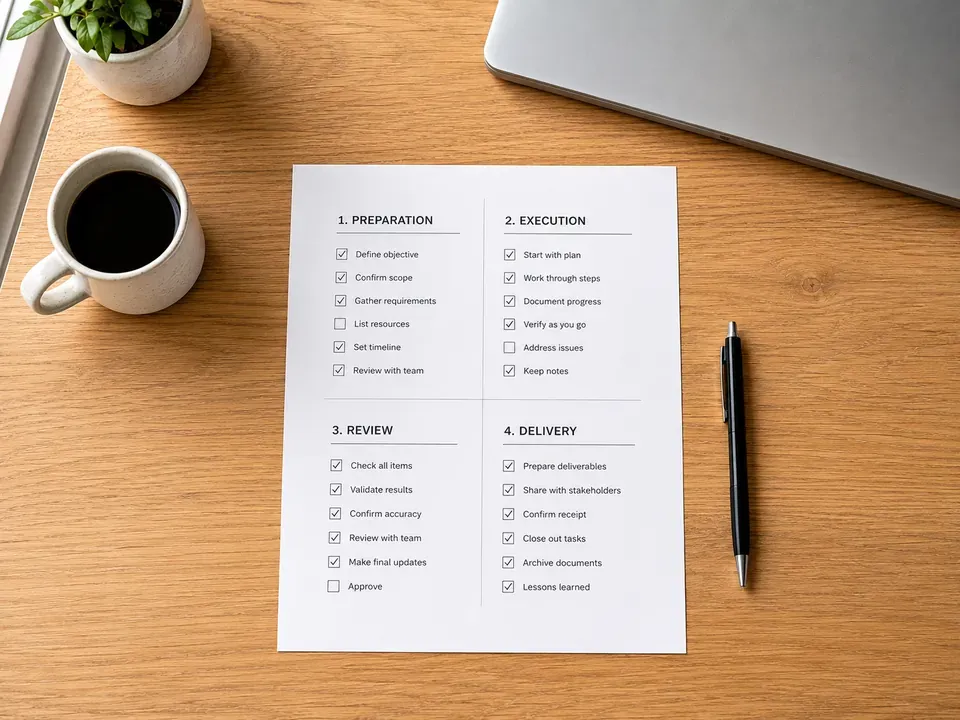
Here is the whole list in one place. Read the first column as the thing itself, the second as what it does for you, the third as the platform that holds it, and the fourth as what you would notice if the name on it is not yours. Print it if that helps. Then work down it one row at a time.
| Trait | What it means | Where it comes from | What you notice |
|---|---|---|---|
| Business Manager | The container that holds every other Meta asset you use. | Meta Business Settings | So you cannot add a person or grant access without asking someone else. |
| Meta ad account | Basically, the account your Meta spend runs through. | Business Settings, Accounts, Ad Accounts | In fact, the Owned By line names a business that is not yours. |
| Pixel and conversion history | The record of what visitors did on your site, built from your traffic. | Meta Events Manager | A new pixel starts empty, so optimisation restarts from zero. |
| Custom audiences | Retargeting lists and lookalikes built from your customers. | Meta Audiences | The lists do not travel, so rebuilding needs fresh traffic. |
| Google Ads account | In essence, the account holding your search and shopping spend. | Google Ads, Access and security | Also, you cannot unlink a manager account or invite a new one. |
| Analytics property | The measurement record behind every report you receive. | Google Analytics admin | However, nobody on your side holds administrator rights. |
| Google Business Profile | In particular, your hours, photos, calls and reviews. | Google Business Profile | Meanwhile, someone else appears as primary owner. |
| Domain and hosting | The address of your website and the machine serving it. | Your registrar and host | Notably, the registrar login belongs to a vendor. |
| Creative files and website | Specifically, layered art, video projects, copy and the site build. | Vendor drives and your content system | Granted, you hold finished exports, although not the source files. |
Assets One To Four: The Meta Stack
First, start with the Business Manager, because everything else on Meta sits inside it. A Business Manager is a container. Specifically, it holds ad accounts, pixels, audiences, pages and people. Whoever created that container controls who enters and who leaves. So if your agency built the container and dropped your ad account inside, every asset in there inherits their control by default.
Second is the ad account itself. Billing and ownership live in different settings, which surprises almost everyone. Indeed, your card can fund every dollar of spend on an account that belongs to another business entirely. Open Business Settings, then Accounts, then Ad Accounts, and read the Owned By line. That single line answers more than any report will.
Third is the pixel and the conversion history stacked behind it. This one hurts the most, because the value is cumulative. Every purchase, form fill and add-to-cart your traffic generated taught that pixel something. So a replacement pixel starts blank. Granted, you can install a new one in an afternoon, but the learning it lost took months of real spend to build.
Next are custom audiences and the lookalikes built from them. These are lists of your customers and your visitors, modelled into new reach. Notably, they do not detach and follow you out the door. If the audiences live in someone else's Business Manager, they stay there. Much of this sits alongside the day-to-day work of social media marketing in El Paso, which is exactly why the two conversations belong together.
Assets Five And Six: The Google Side
Then comes the fifth asset, the Google Ads account. Google works differently from Meta, and the difference matters. An agency can link a manager account to an account you already own, which leaves you in control. Conversely, the agency can create your account inside its own manager hierarchy, which does not. Both look identical in a monthly report. However, only one of them lets you walk away cleanly.
Sixth, and equally easy to overlook, is the analytics property. Every number in every report you have ever received traces back to it. So the question is not whether you can see a dashboard, it is whether anyone on your side holds administrator rights on the property itself. Viewer access reads the data. Administrator access keeps it. Of course, those are not the same thing, and only one survives a vendor change.
Google publishes the access levels and the exact settings paths for both products, and it is worth reading the source rather than taking a vendor's word for it. You will find the current definitions in Google's own account access documentation. Meanwhile, if reporting is the part that worries you most, the groundwork on using analytics to measure growth covers what those numbers should tell you in the first place.
Asset Seven: Your Google Business Profile
Your Business Profile is the listing that shows your hours, your photos, your reviews and your phone number when someone searches your name. In fact, it drives calls directly. Notably, it also carries a role structure that almost nobody checks: one primary owner, then owners, then managers. A vendor should hold manager. However, too often a vendor holds primary owner instead.
The distinction is not academic. For example, a primary owner can remove everyone else. So if that seat belongs to a vendor, your reviews, your photos and your call history sit behind somebody else's permission. Of course the fix is straightforward while the relationship is healthy, transfer primary ownership to a business email you control, then add the vendor back as a manager. Granted, doing it later, after a disagreement, runs slower.
Assets Eight And Nine: Domain, Hosting, Creative And Site
Then there is the eighth asset, the domain and the hosting underneath it. Your domain is your address. If a vendor registered it on your behalf and never moved it, they hold the keys to your email routing and your website at the same time. So check the registrar account, not the website login. Those are separate systems, and people confuse them constantly.
Finally, there are the creative files and the website build itself. There is a real difference between a finished export and the source that made it. For instance, you cannot edit a flattened image. A layered file gives you room to work. Likewise, a live website is not the same as the theme files, the page templates and the content system behind it, which is worth understanding before you commission El Paso web design and development from anyone.
Payment does not settle this question on its own. Ownership of commissioned work depends on what your agreement says, which is why the transfer language in a contract matters more than the invoice total. Also, the SBA guidance for small business owners is a reasonable starting point on how vendor agreements and business assets fit together. Ultimately, the safest position is simple: ask for the source files while everyone is still friendly.
The Ten-Minute Version Of This Check
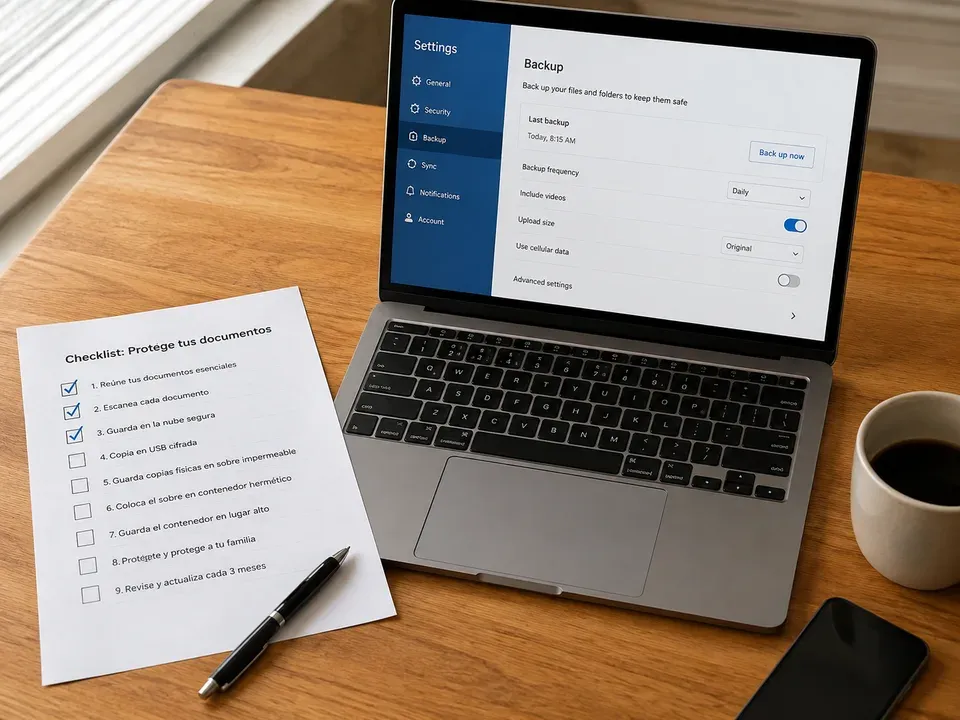
You do not need a full audit to get a useful answer today. First, open Meta Business Settings and read the Owned By line on your ad account. Second, open Google Ads and look at the access and security section for a linked manager account. Third, open your analytics property and check whether anyone at your company holds administrator rights.
Then move to the three that live outside the ad platforms. Next, search your own business name and see who Google shows as primary owner. Also, log in to your registrar directly, not through the website. Finally, ask your vendor for the source files on one recent piece of creative and note how long the reply takes. In short, the response time tells you as much as the settings screens do.
How to buy a website in El Paso
What To Do With Whatever You Find
Most owners land somewhere in the middle. Overall, a few assets sit correctly, a few sit in a vendor's name, and one or two resist checking without a login nobody can produce. Each of those outcomes has a different next move, so sort your findings before you act.
- Everything checks out. Write down where each asset lives and who holds the top role. Then set a calendar reminder to repeat the check twice a year, because staff turnover on both sides quietly changes the answer.
- An asset sits in a vendor's name. So ask for a transfer in writing, and ask calmly. A good partner moves it the same week. Notably, the tone of the reply is itself a data point worth keeping.
- You cannot log in to check. In fact, that is already the finding. Request access first, then judge the response, and treat a delay as information rather than an insult.
- A transfer request stalls. Then put the ask in one clear email with a date on it. Meanwhile, start documenting what you would need to rebuild, so a stall never turns into a standstill.
- You are mid-handover already. Work the list in order of what decays fastest, pixel and audiences first, then analytics, then the profile, then the domain and the files.
None of this requires a confrontation. Basically, it requires a list and a couple of screenshots. Search visibility rests on the same foundation, which is why the ownership question sits underneath every other decision, including SEO services in El Paso and anything else you invest in next.
Frequently Asked Questions
The owner is whichever Business Manager created or claimed the account, not whoever pays the invoice. Paying for the ads does not make you the owner of the account they run on. You can check in Business Settings under People and Partners, where the owning Business Manager is listed.
It is common, and it is avoidable. The standard that protects you is partner access: your Business Manager owns the assets and the agency is granted access to work in them. Access can be revoked. Ownership cannot.
It depends entirely on whose name is on each asset. Assets you own stay with you. Assets the agency owns stay with the agency, including the conversion history and the audiences built from your spend.
About ten minutes if you have login access. If you do not have login access to check, that is already the answer to the question.
Ask which of the nine assets they will create, whose name each one will carry, and what happens to every asset on the day the agreement ends. Then ask for that answer in the contract rather than in an email. Naturally, a partner who works this way will answer in one sitting.
Answering Who Owns My Ad Account Is The Cheapest Hour You Will Spend
Working out who owns my ad account, and the eight assets standing behind it, takes an afternoon at most. So the only real cost is deciding to look. You will finish with a short list of what is yours, what is not, and what nobody can currently verify. Ultimately, every one of those answers is useful, and the uncomfortable ones help the most.