Vertical vs Horizontal Video: Shoot Once, Post Everywhere
Vertical vs horizontal video: which one should your business film? Often the answer is both, from the same shoot. Many owners film everything on a phone held upright, then find it looks wrong on YouTube or their website. Others film wide and lose half the frame on Reels. So this guide settles it: which platforms want which shape, and how to plan one session that gives you both versions without a reshoot.
Vertical vs Horizontal Video: The Short Answer
Why the Shape of Your Video Matters
Shape is the first thing a viewer notices, even if they don't think about it. A tall video fills a phone screen. By contrast, a wide video on a phone shows up as a thin strip with black bars. So the same clip can feel big on one platform and tiny on another.
The good news is that you don't have to pick one. In fact, in our view, the most efficient approach is to plan for both before the camera rolls. Then one session gives you a vertical cut for social media and a horizontal cut for YouTube and your website.
Also, it saves money. In our experience, owners often assume two shapes mean two shoots. However, with a little planning, they come from the same footage. Outcome: one shoot, two finished versions, and no reshoot.
Where Each Shape Goes at a Glance
Here is where each shape fits, in one view.
| Trait | What it means | Where it comes from | What you notice |
|---|---|---|---|
| Vertical 9:16 | Tall, fills a phone screen | Reels, TikTok, Shorts | Full-screen on phones |
| Horizontal 16:9 | Wide, fills a monitor or TV | YouTube, websites, slides | Looks right on desktop |
| Website mobile | A vertical cut for phones | Pages that support it | Better viewing on mobile |
| Both from one shoot | Plan the framing first | Wide shots or two cameras | No reshoot needed |
Vertical vs Horizontal Video, Platform by Platform
Here is the quick tour. First, Reels and TikTok are built for vertical 9:16 video, watched on a phone. Next, YouTube Shorts are vertical too. Short vertical videos are shown as Shorts, while longer videos play in the standard player. Google's YouTube Help Center covers Shorts and upload settings.
Then there is regular YouTube, which is horizontal 16:9. Your website usually wants horizontal for desktop layouts, with a vertical version for mobile if the page supports it. Finally, your Google Business Profile. Video there gets viewed on phones a lot, so a clean vertical or square-safe framing tends to work well, in our experience. For more on where each version should live, read about getting videos found in search.
Shoot Wide, Frame Safe: Keep People Centered
The simplest trick is framing. Film in horizontal, but keep the person in the center third of the frame. Then, when you crop to vertical, they still fill the shot. So leave space on both sides, and don't let important things happen near the edges.
Also watch the top and bottom. In our experience, social apps place buttons and captions over the edges of a vertical video. As a result, a face too high or a product too low can get covered. In short, center the subject, give them some headroom and keep the action in the middle.
Here are the mistakes we see most. First, a person who walks out of frame, which works in wide but vanishes in the vertical crop. Next, two people sitting far apart, so the vertical cut can only show one of them. Then products held off to the side, which get cut in half. Finally, a busy background that looks fine wide but crowded when cropped tall. So before each take, picture the tall crop in the middle of the frame and ask whether the clip still works. If it does, you are set for both versions.
Two Cameras or One High-Resolution Camera
There are two ways to get both shapes, and each has a trade-off.
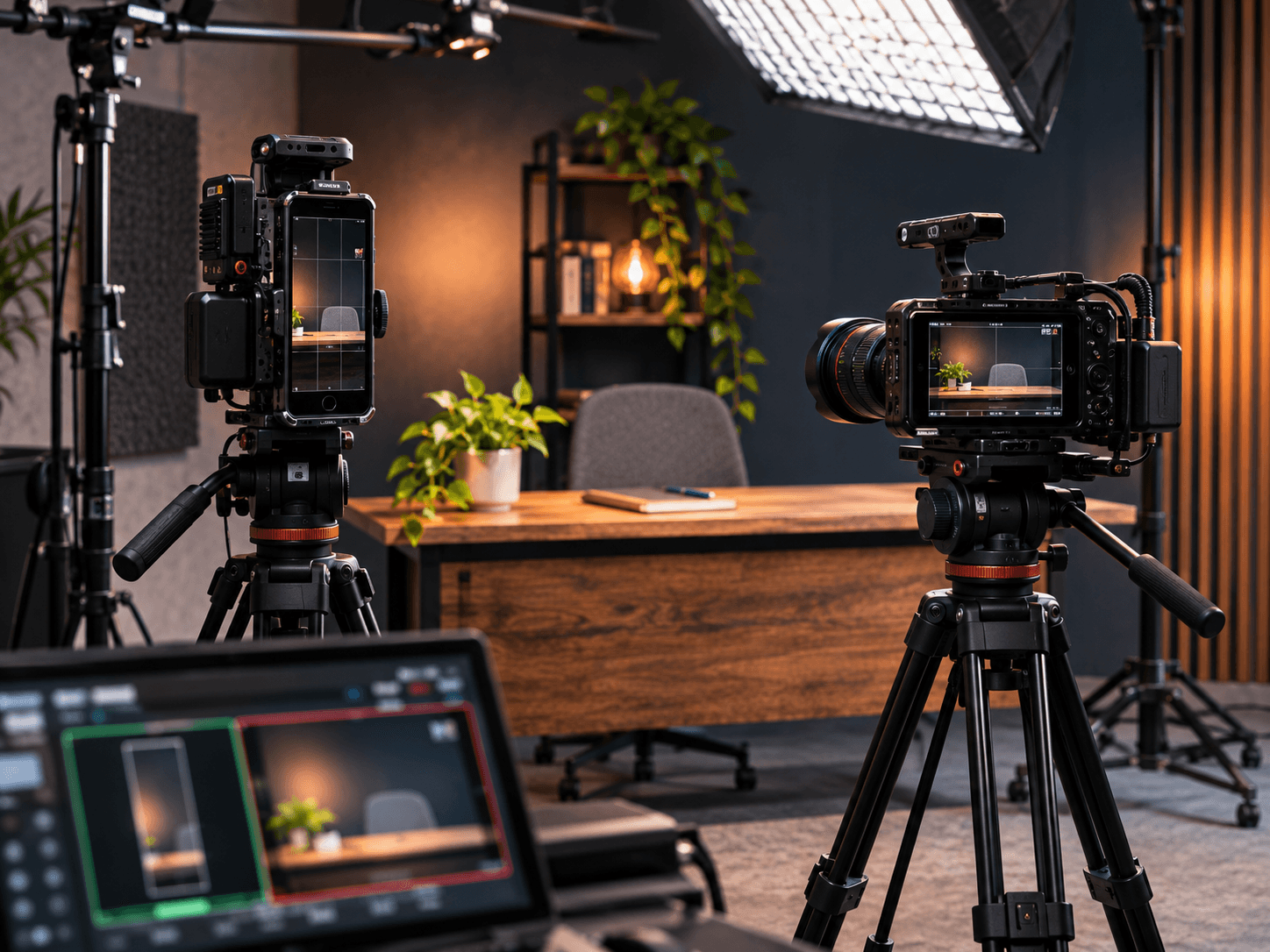
- Two cameras. One camera is turned sideways for vertical, and one is level for horizontal. So each shape is framed on purpose, with no cropping. However, it takes more gear and more setup.
- One high-resolution camera. Film wide in high resolution, then crop the vertical version in editing. As a result, setup is simpler. Still, the framing has to be careful, or the vertical crop cuts people off.
In our studio, the video-first setup runs three cameras with broadcast lighting, so both shapes are covered without guesswork. For a smaller shoot, one good camera and careful framing can work too. If you are weighing who to film with, read how to pick a video production partner.
Graphics and Captions That Survive Both Crops
Text is where most crops go wrong. A title placed on the right side of a wide frame disappears in the vertical cut. So add graphics and captions after the edit, separately for each version. Then each one is placed where it fits.
Also keep captions big and centered, and keep them away from the very bottom of vertical video, where app buttons sit. In addition, avoid tiny text that is hard to read on a phone. Outcome: the words land in both versions, not just one.
A One-Session Plan for Vertical vs Horizontal Video
Here is the plan, from start to finish. First, list every clip and mark which shapes it needs. Next, set up the cameras, either two cameras or one high-resolution camera framed wide. Then mark the center on the monitor, so everyone knows the safe zone.
After that, film each clip once, keeping the action centered. Finally, edit two versions from the same footage, with graphics and captions placed for each. So you walk out with a vertical set for social and a horizontal set for YouTube and your website. In our studio, for the video-first format, we cut social clips before you leave.
See the Sun City Podcast Studio setup →Want more ideas for what to film once you have the setup? Read the role of video content in marketing. The YouTube creator resources are also worth a look.
Frequently Asked Questions
Q1 Which wins in vertical vs horizontal video for a small business?
Q2 Should I film vertical or horizontal video?
Q3 Can I get vertical and horizontal from the same footage?
Q4 What aspect ratio is best for a website video?
Q5 Do vertical videos work on YouTube?
Want Both Versions From One Shoot? DM SHOOT
Two shapes don't have to mean two shoots. Instead, plan the framing, run the right cameras and edit both versions from the same session. It is one shoot, not a retainer. That settles vertical vs horizontal video for good: you get both.