How to Be Comfortable on Camera When You Are Not a Natural
How to be comfortable on camera when you are not a natural is the question we hear before almost every shoot. Plenty of El Paso owners know they need video, but they freeze, ramble or cringe at their own voice. So the video never gets made. The good news is that comfort on camera is a skill, not a gift. It comes from a few simple habits, and most of them happen before the camera even turns on.
How to Be Comfortable on Camera, in Short
Why Almost Nobody Knows How to Be Comfortable on Camera at First
First, a camera is a strange audience. It doesn't nod, laugh or ask a question. So your brain fills the silence with worry. You start to watch yourself instead of talking. As a result, your voice gets flat, your hands go stiff and your sentences run long.
That reaction is normal. In fact, in our studio, owners who seem calm in every other part of their business still tense up for the first few minutes. So the goal is not to stop feeling nervous. Instead, the goal is to set things up so nerves don't show in the final cut.
Also, remember who the video is for. Your customers are not judging your delivery like a critic. They want to know who you are and whether you can help. Outcome: once you stop performing and start explaining, most of the stiffness goes away.
The Comfort Habits at a Glance
Here are the habits in one view. Each one solves a specific problem, so pick the ones that match how you freeze.
| Trait | What it means | Where it comes from | What you notice |
|---|---|---|---|
| One listener | Picture one real person | Freezing up | A warmer, natural tone |
| Three bullets | Points, not a full script | Sounding read | You sound like yourself |
| Warm-up time | Toss the first five minutes | Early stiffness | Better takes after warm-up |
| Short takes | One idea per take | Rambling | Cleaner, tighter clips |
| Guest chair | Someone asks, you answer | Talking to a lens | Real conversation on screen |
How to Be Comfortable on Camera: Talk to One Person
The most useful trick is also the simplest. Don't talk to "everyone watching." Instead, picture one person you know, such as a regular customer or a friend who asks good questions. Then talk to them. Your tone changes right away, because you know how to explain things to one person.
So before you start, say their name in your head. Next, imagine they just asked you a question, like "What should I buy my dad?" or "Why do you do it this way?" Then answer it. In short, one listener turns a speech into a conversation, and conversations are easy to watch.
Script, Bullet Points or Teleprompter: Which One Fits You
There are three ways to prepare, and each one fits a different job. A full script gives exact words, but it often sounds read. Bullet points give you a path, and you fill in the words naturally. A teleprompter shows the script in front of the lens, so you can read while looking at the camera.
- Teleprompter for exact words. Use it for offers, dates or anything that must be said a certain way.
- Three bullet points for stories. Use bullets for opinions, tips and your own story, so you sound like yourself.
- No script for interviews. In a guest-chair setup, the questions are your script, so you just answer.
So most owners end up mixing them. For example, you might use the teleprompter for a holiday hours clip and bullets for a behind-the-scenes clip. In our studio, the teleprompter is an optional add for video-first sessions.
The First Five Minutes Are Warm-Up, So Plan to Throw Them Away
In our experience, almost every first take is stiff. That is fine, because you are not going to use it. So plan for it. Start by talking about something easy, like how your morning went or what you sold yesterday. Then move to the real content once your voice loosens up.
This takes the pressure off. If you know the first few minutes don't count, you stop trying to be perfect. As a result, the good takes come sooner. Also, tell whoever is filming that the first few minutes are practice, so nobody stops to fix things too early.
Where to Put Your Hands, Your Eyes and Your Energy
Hands first. Let them move a little, the way they do when you talk normally. If you don't know what to do with them, hold a product or rest them on the table. Next, your eyes. For direct-to-camera videos, look into the lens, not at the screen. In an interview, by contrast, look at the person asking the questions.
Then energy. In our studio, most people come across a little flatter on camera than in person, so aim slightly above your normal level. Not louder, just a bit brighter. Also smile when it fits, especially at the start and the end. Outcome: you look like yourself on a good day, not like someone reading a statement.
Short Takes Beat Perfect Takes
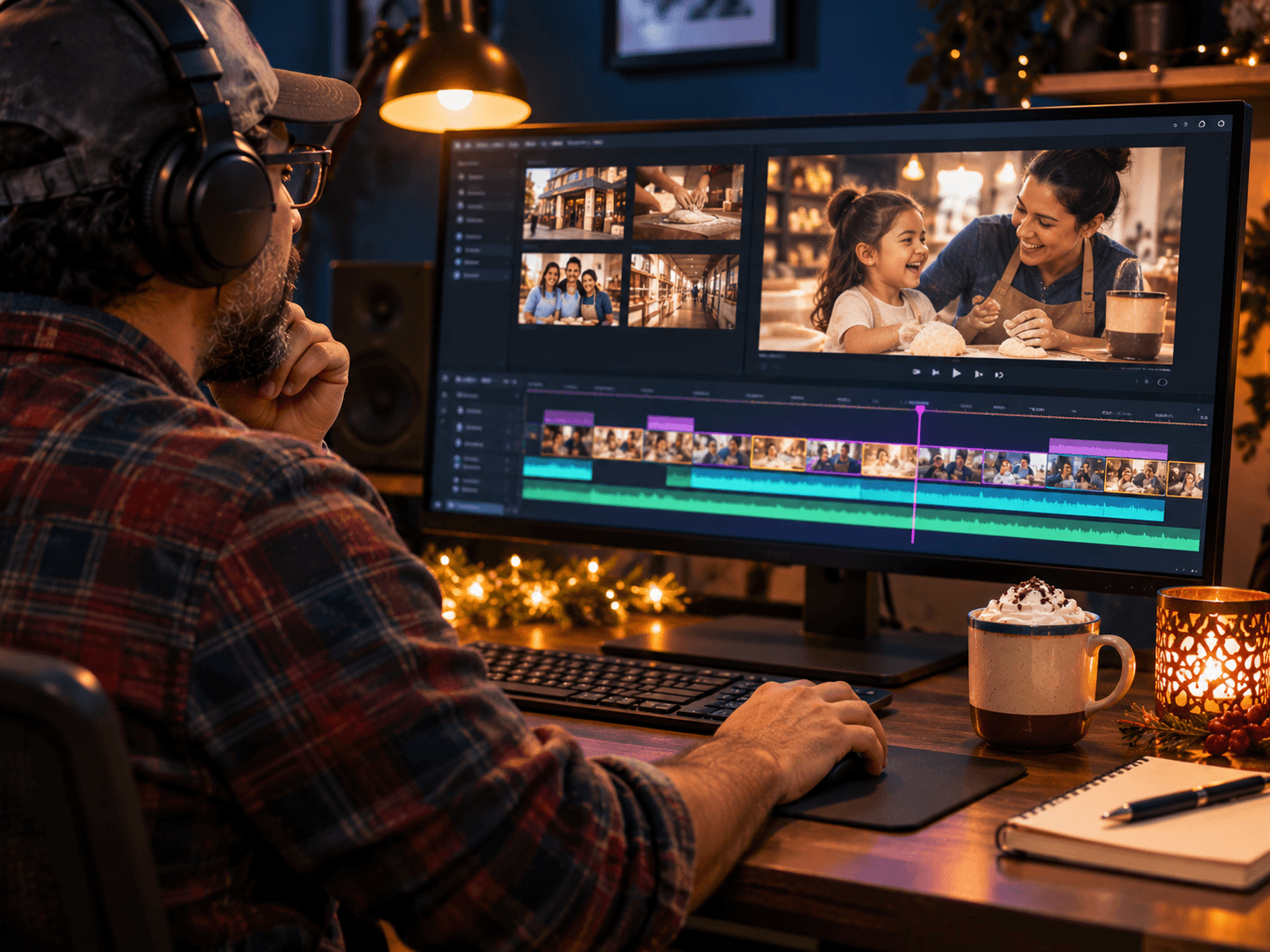
In our studio, long takes tend to fall apart. One stumble, and you start over from the top. So break the video into short pieces, one idea per take. If you trip on a word, you only redo a few seconds. Then the editor joins the best pieces together.
Short takes also keep your energy up, because you rest between them. In addition, they make it easy to cut the same footage into a long version and a short version later. For more on where those versions should go, see our guide to getting videos found in search.
How the Guest-Chair Interview Format Takes the Pressure Off
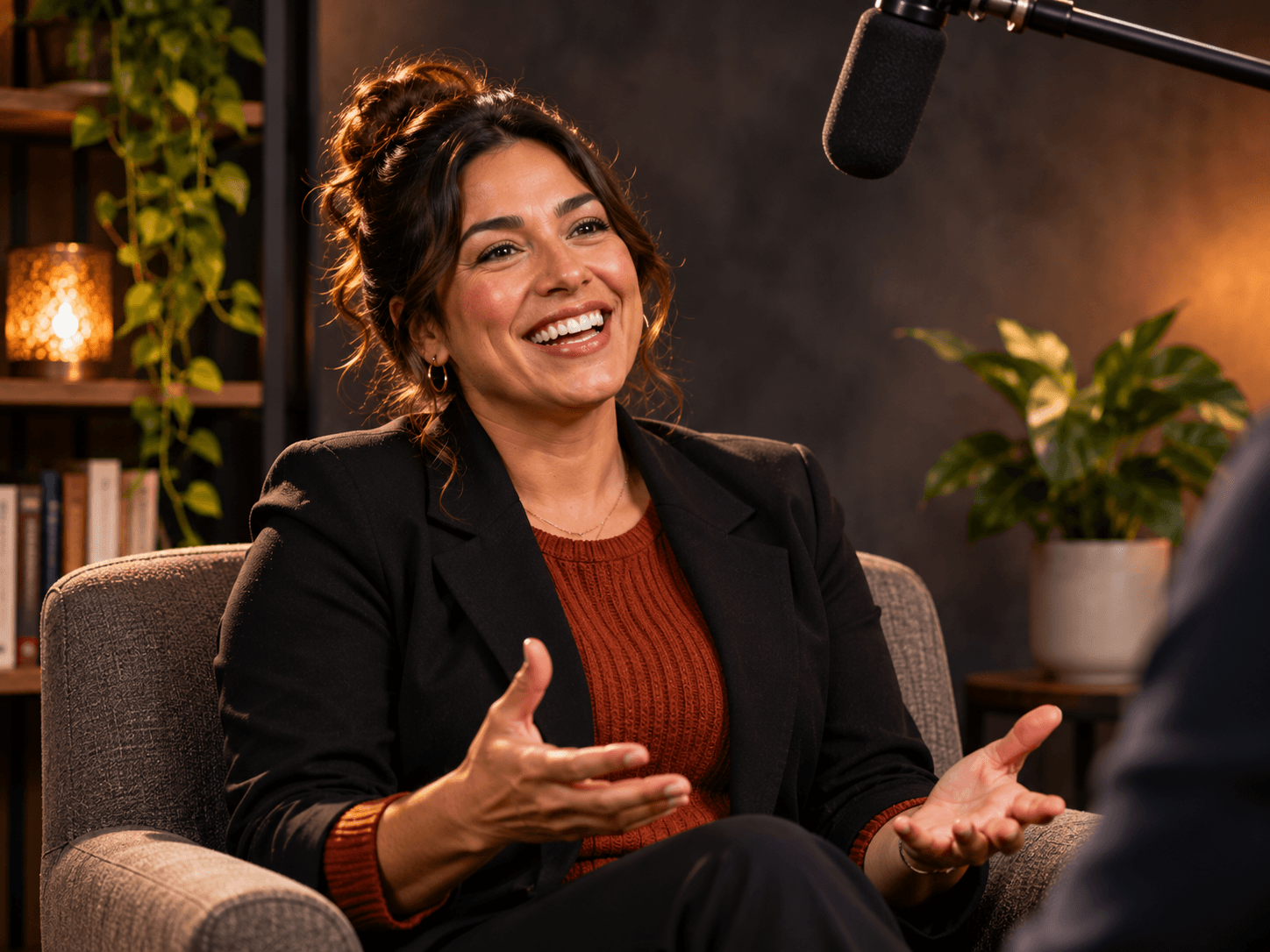
If talking to a lens still feels wrong, skip it. Instead, sit in a guest chair and let someone ask you questions. You look at them, not at the camera, and you answer like you would in a normal conversation. So the hard part, talking to nobody, disappears.
In our studio, the interview format is one host and one guest, and a ninety-minute block covers ramp-up, recording and a quick listen-back. That ramp-up time matters. It gives you the warm-up from earlier without any extra effort. Read more about how the automated studio records, or see the room below.
See the Sun City Podcast Studio →Want more practice before the day? The YouTube creator resources include guidance on presenting to camera. Also, once you have a clip you like, the YouTube Help Center at support.google.com covers uploads and captions.
Meet the team behind the camera →Frequently Asked Questions
Q1 How long does it take to learn how to be comfortable on camera?
Q2 How do I stop being nervous on camera?
Q3 Should I use a teleprompter or talk without a script?
Q4 Where should I look when filming a video?
Q5 Why do I hate the sound of my own voice on video?
Ready for a Calm First Shoot? DM SHOOT
Fear of the camera is the real reason most videos never get made. So take it off the table. Come in, warm up, sit in the guest chair and answer questions you already know. It is one shoot, not a contract, and you leave with clips you can use. That is how to be comfortable on camera: a good setup, short takes and someone in your corner.