





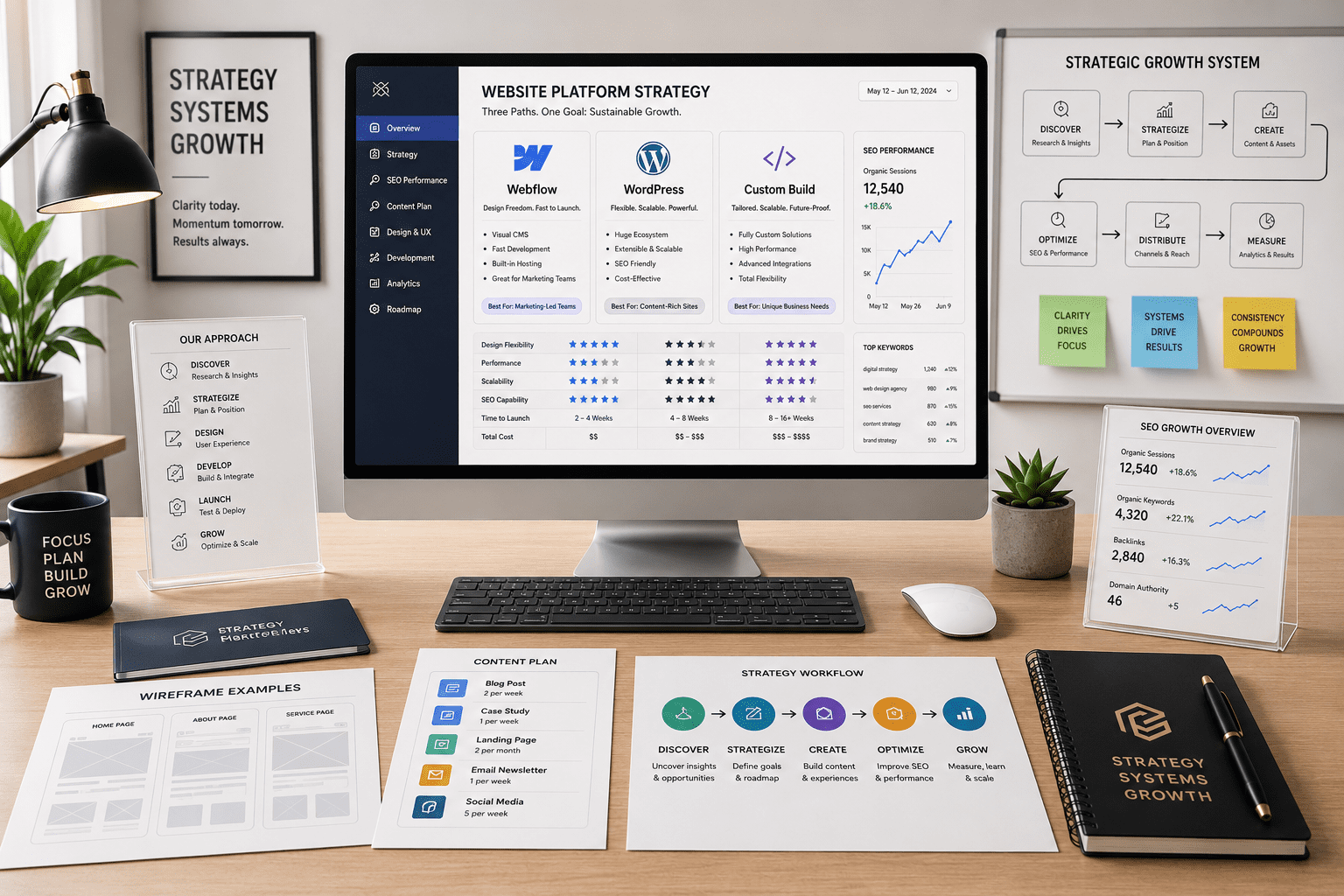
Webflow vs WordPress vs Custom Build 2026
Webflow vs WordPress vs custom build 2026 is not just a platform debate. It is a business infrastructure decision. The right website platform affects SEO, speed, publishing workflows, design control, integrations, maintenance costs, lead generation, and how easily your team can adapt when your company grows.
Which Is Better in 2026: Webflow, WordPress, or a Custom Build?
Why Webflow vs WordPress vs Custom Build 2026 Is About Growth Infrastructure
The webflow vs wordpress vs custom build 2026 decision is really about how your business plans to grow. A website is no longer just a homepage, an about page, and a contact form. It is where search visibility, brand trust, conversion paths, analytics, content, automation, and customer experience meet.
Webflow, WordPress, and custom development can all work well. However, each one creates a different operating model. Webflow centralizes design and visual publishing. WordPress gives teams a deep CMS and plugin ecosystem. Custom builds give the most control, but they usually require more planning, budget, and technical ownership.
Therefore, the platform should match the business model. If your site needs fast landing page production, clean visual design, and fewer plugin decisions, Webflow may fit. If your company needs frequent publishing, deep content operations, and a large ecosystem, WordPress may be stronger. If the website needs to behave like software, custom may be the right foundation.
Webflow vs WordPress vs Custom Build 2026 at a Glance
Use this comparison as a decision map, not a rigid rule. The best website platform for business growth depends on what the site must do every week after launch.
| Platform | Best Fit | SEO Control | Scalability | Ownership Tradeoff |
|---|---|---|---|---|
| Webflow | Design-led marketing sites, startups, service brands, landing pages | Strong for clean structure, speed, metadata, and visual content control | Good for marketing growth, CMS collections, and lean teams | Easier visual control, but platform-bound |
| WordPress | Blogs, resource hubs, local SEO, service businesses, content-heavy brands | Strong with the right theme, plugins, schema, and technical setup | Strong for publishing, plugins, memberships, and content operations | Flexible ecosystem, but needs maintenance discipline |
| Custom Build | SaaS, portals, complex integrations, unique workflows, product-like sites | Highest possible control when built correctly | Highest ceiling for complex needs | More control, but higher cost and developer dependency |
| Hybrid / Headless | Brands needing CMS flexibility plus custom front-end performance | Strong when architecture is planned well | Strong for mature teams with technical resources | Powerful, but harder to manage without the right partner |
When Webflow Is the Right Choice
Webflow is often the right choice when the website needs to look sharp, load cleanly, and give a marketing team more control without a heavy plugin stack. It works especially well for service brands, consultants, startups, creative companies, and campaigns that need polished pages without a slow development cycle.
In particular, Webflow is strong when design control matters. Teams can build refined page layouts, reusable sections, CMS-driven templates, and conversion-focused landing pages inside one visual system. Additionally, Webflow’s official developer documentation shows that the platform supports structured CMS workflows and localization management through its APIs.
However, Webflow is not the perfect answer for every business. It can become limiting if a company needs highly customized application logic, unusual backend workflows, deep membership systems, or complex editorial operations. So, choose Webflow when speed, design quality, cleaner maintenance, and marketing execution matter more than maximum backend flexibility.
When WordPress Is the Right Choice
WordPress is still the strongest choice for many content-driven websites in 2026. If the site needs blogs, resource hubs, service pages, location pages, case studies, landing pages, integrations, and ongoing publishing, WordPress can be a smart fit.
The biggest advantage is ecosystem depth. WordPress has a massive plugin, theme, hosting, developer, and documentation network. W3Techs’ WordPress usage data supports the practical reality that businesses can find tools and specialists for almost any common website need.
Also, WordPress can support more than simple publishing. The WordPress REST API Handbook explains how applications can interact with WordPress by sending and receiving JSON data, which makes WordPress useful as a publishing layer, integration point, or content engine. However, it needs proper hosting, plugin control, security, and maintenance discipline.
When a Custom Build Is the Right Choice
A custom build is the right choice when the website needs to do something a standard CMS or visual builder cannot handle cleanly. That may include complex pricing logic, dashboards, portals, SaaS features, customer accounts, proprietary integrations, advanced search, internal tools, or product-like web experiences.
The biggest advantage is control. A custom build can be designed around the exact business process instead of adapting the business to a platform. It can also be optimized for performance, security, user experience, and integrations at a deeper level.
However, custom development is not automatically better. It usually costs more, takes longer, and requires ongoing technical ownership. If the business mostly needs a marketing site, a custom build may create unnecessary complexity. By contrast, if the website is central to operations or customer experience, custom development can become a competitive advantage.
How to Choose the Best Website Platform for Business Growth
The best website platform for business growth is the one your team can use, maintain, and improve without slowing down. Start with the business model, then choose the technology. Does the site need to rank locally, publish weekly content, generate leads, connect to a CRM, sell products, manage memberships, or serve logged-in users?
Next, define who will manage it. A founder-led company may need simplicity. A marketing team may need publishing freedom. A technical team may want deeper control. A service business may need strong SEO pages and clear conversion paths. The more complex the workflow, the more carefully you need to plan the build.
For many growing brands, the smartest answer is not Webflow only, WordPress only, or custom only. It is a platform decision framework that matches the site to the company’s next stage of growth.
Explore VenPro web design →SEO, AI Discovery, and Website Platform Choice
SEO should be part of the platform decision from the beginning. In 2026, search visibility is not just about blog posts. It includes technical structure, internal links, page speed, schema opportunities, location pages, service pages, helpful content, and AI-discovery signals.
Webflow can support strong SEO when the site structure is clean and the content system is planned carefully. WordPress can support deep SEO when the theme, plugins, taxonomy, and technical foundation are managed well. A custom build can support advanced SEO when developers prioritize crawlability, metadata, structured data, performance, and content workflows.
However, any platform can perform poorly if the strategy is weak. A beautiful Webflow site with thin content may not rank. A WordPress site with bloated plugins may struggle. A custom site with weak metadata or inaccessible JavaScript may create crawl problems. That is why VenPro connects web design with SEO strategy.
See VenPro SEO services →What VenPro Recommends for Webflow vs WordPress vs Custom Build 2026
For webflow vs wordpress vs custom build 2026, VenPro recommends starting with the business outcome, not the platform preference. The website should be chosen around the growth system it needs to support.
Choose Webflow if you need a polished marketing site, fast page production, strong visual control, and a cleaner design-to-publish workflow.
Choose WordPress if you need deep content publishing, scalable SEO pages, plugin flexibility, blog growth, location pages, or a long-term content engine.
Choose custom development if your website needs unique workflows, product features, complex integrations, user accounts, or operational logic that standard platforms cannot support well. Choose a hybrid approach if you need both content flexibility and custom front-end or backend capabilities.
Frequently Asked Questions
Q1 What is the best choice for webflow vs wordpress vs custom build 2026? +
Q2 Is Webflow better than WordPress for SEO in 2026? +
Q3 Is WordPress still worth using in 2026? +
Q4 When should a business choose a custom website build? +
Q5 How do I decide which website platform is right for my business? +
Build the Website Your Growth System Actually Needs
The webflow vs wordpress vs custom build 2026 decision should not be made from trend charts alone. It should be made from your business model, growth plan, content needs, SEO goals, and operational reality. Webflow, WordPress, and custom builds can all be smart choices. The wrong choice is the one that creates friction your team cannot afford.