





Recover Facebook Ad Account From Agency: Three Scenarios
Whether you can recover facebook ad account from agency control comes down to one question, and you can answer it in about a minute. Not who paid for the ads. Not who built the campaigns. So the only question that matters is which Business Manager holds the account. Three situations are possible, and each one has a genuinely different outcome. Here they are, along with the honest odds attached to each.
Recover Facebook Ad Account From Agency, In Short
First, Establish Which Scenario You Are In
Open Business Settings, then Accounts, then Ad Accounts, and read the Owned By line on the account you spend through. That one line sorts you into one of three situations.
So do this before you send any message, make any request or have any conversation. The right thing to say depends entirely on which scenario you are in, and asking for a transfer when you already own the account just makes you look uncertain. Then the rest of this article is simply the branch you landed on.
Also, check the pixel and the audiences while you are there. They can sit in a different container from the ad account itself, so a good outcome on one does not guarantee the same on the others.
Write down what you find, with the date. A screenshot of the Owned By line takes five seconds, and it settles any later disagreement about what the arrangement was. Do the same for the pixel screen and the audience list.
Recover Facebook Ad Account From Agency: The Three Scenarios
Here they are side by side. Read the first column as the situation, then the rest as what it means and what you would realistically expect.
| Trait | What it means | Where it comes from | What you notice |
|---|---|---|---|
| You own it | Your Business Manager holds the account outright. | Owned By shows your business | So removal takes one click and no conversation. |
| They own it | Their Business Manager holds it and you have access. | Owned By shows their business | Then a transfer needs them to agree. |
| No access at all | You cannot open the settings screen to look. | No Business Manager membership | Also, that absence is itself the answer. |
| Pixel held separately | The data source sits in a different container. | Events Manager, owning business | In fact, this is common and easy to miss. |
| Starting fresh | A new account under your own container. | Your own Business Manager | So it runs, without any of the history. |
Scenario One: You Own It, They Have Partner Access
This is the good outcome and it is more common than people fear. Your Business Manager holds the ad account, and the agency sits in the Partners list with permission to work inside it.
So removal is administrative. Open Business Settings, find the partner, and remove them. The campaigns, the spend history and the account itself all stay exactly where they are. Then do the same check on the pixel and the audiences, since partner access is granted asset by asset rather than all at once. Also, remove individual people as well as the partner business, because a former contractor can hold direct access that survives the partner removal. The ongoing work of social media marketing in El Paso continues uninterrupted throughout.
Check the payment method before you remove anybody. If a vendor card funds the account, removing them can leave the campaigns without billing and everything stops that evening. Add your own payment method first, confirm it is primary, then do the removal.
Scenario Two: They Own It, You Have Access
Here you are asking rather than acting, and the tone of the ask does real work. A transfer is possible and it requires the current holder to initiate it from their side.
So make the request specific and easy to fulfil. Name the ad account ID, name the Business Manager it should move to, and give a date. Then offer to keep them on as a partner during the transition, which removes the fear that a transfer means an immediate ending. Granted, not everyone says yes. However, a clear request costs nothing and a vague one almost never gets actioned, which is the same principle behind maximizing ROI on digital ad spend.
Set a date when you stop waiting. Two weeks is reasonable for a decision that takes ten minutes on their side. After that, start building the replacement in parallel rather than choosing between the two, because the parallel path costs you nothing except a little setup time.
Scenario Three: You Have No Access At All
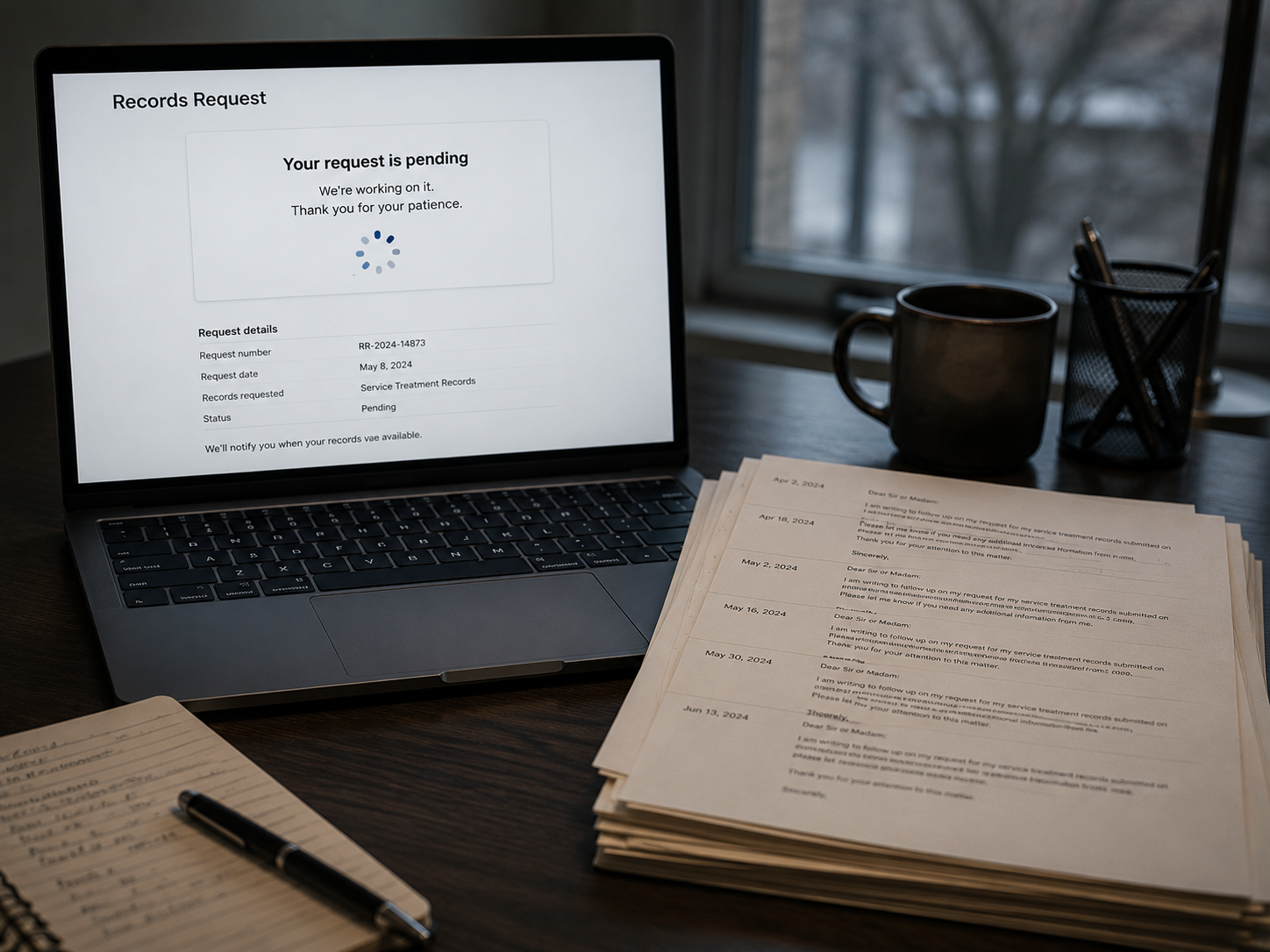
If you cannot open the settings screen, you are not in a recovery process yet. You are in an access request, and that is a different and simpler first step.
So ask to be added to the Business Manager as a user, which is a much smaller ask than a transfer and much harder to refuse. Then, once you can see the screen, you find out which of the first two scenarios you were actually in all along. In fact, plenty of owners assume the worst and discover they owned the account the whole time.
Send the request from a company email address rather than a personal one. It reads as routine business rather than as an individual pushing for something. Keep it to two sentences: which account, and that you would like user access to it.
What The Platform Will And Will Not Do
This is the part worth being straight about. Platform support generally treats the owning Business Manager as the account holder, and it will not take an account away from one business and give it to another.
So support is not an appeals process for a commercial disagreement. That is not unreasonable of them, since they have no way to adjudicate who was owed what under a contract they never saw. Then the practical consequence is simple: your leverage is your agreement and your relationship, not a support ticket. Of course, knowing that early saves you three weeks of waiting on a queue that was never going to solve this.
There is one exception worth knowing. Platforms do act on security matters, such as a compromised account or a policy breach. A commercial dispute about who deserves an asset is not that, and describing it as one tends to slow a request down rather than speed it up.
Starting Fresh, And The Paperwork That Helps
Sometimes the answer is a new account, and it is worth naming what that honestly costs. A new ad account runs immediately. So the campaigns can be live within a day, and the structure is quick to rebuild.
However, it starts with no conversion history, no audiences and no optimisation learning. Then the cost is measured in time rather than in a setup fee, and the early weeks usually run more expensively while the system relearns. Also, if you are making a transfer request first, three things help it along: records showing you funded the spend, the original engagement terms, and dated written requests. None of that compels anybody to act. Indeed, it simply makes a reasonable counterparty easier to persuade, and general footing on keeping those records sits in the SBA small business guidance.
Rebuild the structure before you need it. Campaign names, audiences you can recreate, conversion definitions and naming conventions can all be prepared in a fresh account while the transfer conversation continues. If the transfer lands, you have lost an afternoon. If it does not, you are already live.
SEO services in El Paso →Preventing This From Happening Again
Whichever scenario you landed in, the fix afterwards is the same and it takes one afternoon.
- Create your own Business Manager. So there is a container in your name ready to hold everything from now on.
- Own the account, grant partner access. Then any future agency works inside your container rather than the reverse.
- Check the pixel separately. Also, confirm the data source sits with you too, since it holds the history your budget built.
- Put it in the agreement. Finally, ask for one line confirming the accounts stay yours at the end of the term.
Do the same audit on every platform, not only this one. The Google Ads account, the analytics property and the Business Profile all carry their own version of this question. One afternoon covers all four, and doing them together means you only have to think about it once. None of those four is difficult, and doing them now costs nothing at all. Indeed, the whole reason this situation is common is that the setup decision gets made in the first week by whoever moves fastest, and then nobody revisits it. Google documents the equivalent permission levels on its own advertising products in Google's account access documentation. More of the series sits in the how paid advertising turns clicks into conversions archive, alongside social media tips for business growth.
More VenPro marketing insights →Frequently Asked Questions
Q1 What is the realistic way to recover facebook ad account from agency control? +
Q2 Can I get my Facebook ad account back from an agency? +
Q3 Will Meta take an account away from an agency for me? +
Q4 What if I have to start a new ad account? +
Q5 What paperwork helps a transfer request? +
Recover Facebook Ad Account From Agency Hands, Then Prevent It
Whether you recover facebook ad account from agency control depends on one line you can read today. So open Business Settings and check it before you do anything else. Then act on the scenario you are actually in, and set up your own container afterwards so the next relationship starts on the right footing.